Creative & Travel
Printable Comic Book Template
Blank comic pages with ready-made panel layouts: a six or four panel grid, three or four tiers, a splash page or a mixed layout, all with even gutters. Draw your own comic, manga or graphic novel thumbnails.
What you can customize
- Panel layout
- Gutter
- Title line
Works well in
- Traveler's Notebook Passport
- A6
- Traveler's Notebook Regular
- B6 (JIS)
- A5
- US Half Letter
- B5 (ISO)
- A4
- US Letter
All page sizes, from Passport to A4
Try it in another style
Start from a preset
- 6-panel comic page, US Letter The classic 2 × 3 grid with 4 mm gutters. Open in the maker →
- 3-tier comic page, US Letter Three tiers across the page, the middle one split in two. Open in the maker →
- Mixed layout with title line Panels of different sizes, with title and page number. Open in the maker →
- Kids comic book, A5 booklet Four big panels per page, folded into a mini comic. Open in the maker →
What’s on the comic page
- A frame of panels in your chosen Panel layout, with even gutters between them.
- An optional Title line with title and page number at the top.
- Plain panels with no grid inside, so the page stays clean for inking.
Kids love making their own comic books from the A5 booklet; adults can use the Letter pages for thumbnails, webcomic drafts or zine layouts. Mix layouts by adding several sections to one notebook.
Printing it
- For single pages, choose Letter or A4 and Download PDF → Reading order.
- For a comic book, choose A5 and Print-ready booklet, print double-sided on the short edge, fold and staple.
- Use heavier paper if you ink with markers, and print at 100% (Actual size).
Free sample PDFs
Print at 100% (actual size). Made with the same engine as the maker, so the spacing is exact.
Frequently asked questions
Which panel layouts are there?
6-panel grid, 4-panel grid, 3 tiers, 4 tiers, a splash page with one big panel, and a mixed layout with panels of different sizes. Choose under Panel layout.
What is the gutter?
The white space between panels. Set Gutter from 2 to 8 mm; wider gutters look cleaner, narrower ones leave more room to draw.
Can I make a comic book for kids to draw?
Yes. Use the A5 preset with Print-ready booklet: print double-sided, fold and staple, and children have their own 16-page comic book.
Is it good for manga name pages?
For rough layouts and name pages, yes: turn on Title line for the title and page number and sketch in pencil. For final manga manuscripts, publishers use their own paper sizes with bleed guides, which this template does not draw.
Related guides
- How to print a booklet double-sidedPrint your notebook PDF at actual size, choose the right duplex setting, and get pages that come out in the right order after folding.
- How to staple a booklet in the middleFold and staple a booklet through the centre with a long-reach or normal stapler. Follow the sheet-order, backing and staple-closing steps.
- Double-sided printing on a home printerPrint booklets double-sided on any home printer: automatic duplex settings, manual duplex step by step, the flip on long or short edge question, and a quick test sheet.
Related templates
-
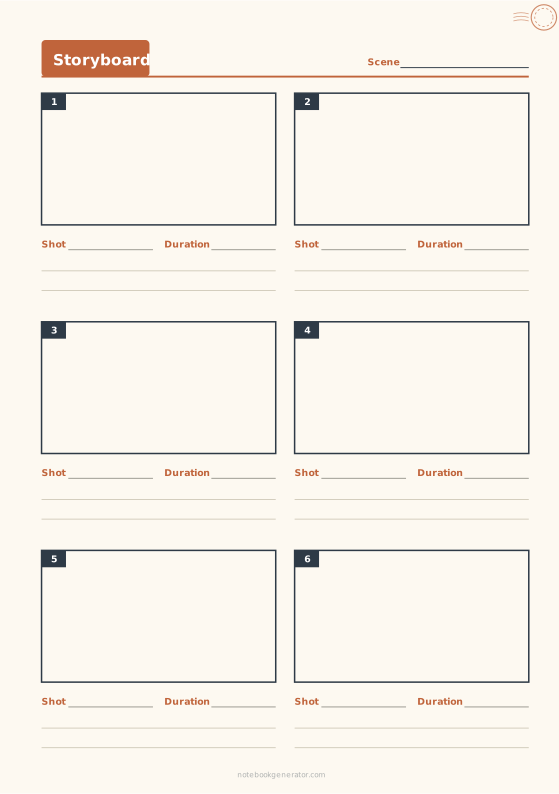
Storyboard
Numbered frames in 16:9, 4:3, 9:16 or widescreen, with shot notes.
-
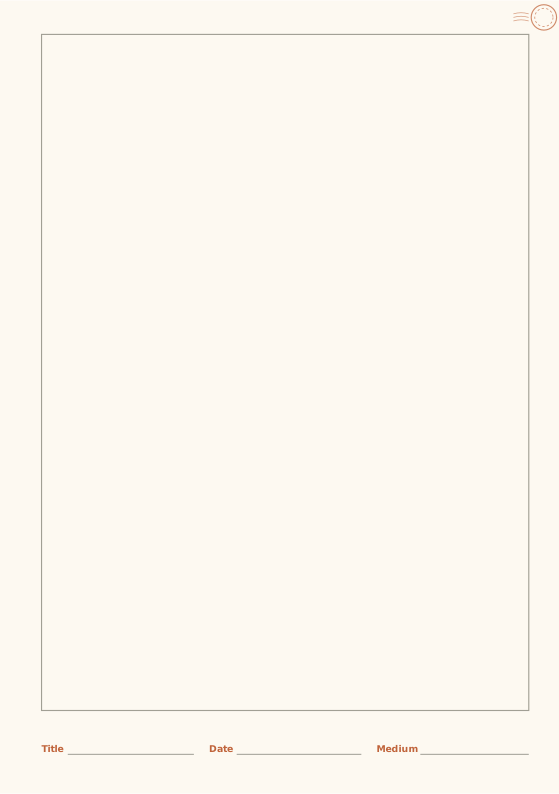
Sketchbook
Framed drawing area with a caption strip.
-
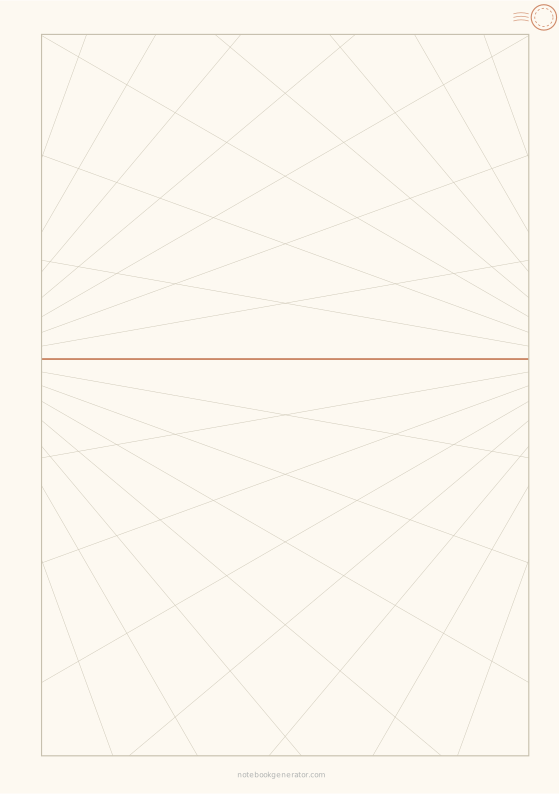
Perspective Grid
One-, two- or three-point perspective guides on a horizon line.
-
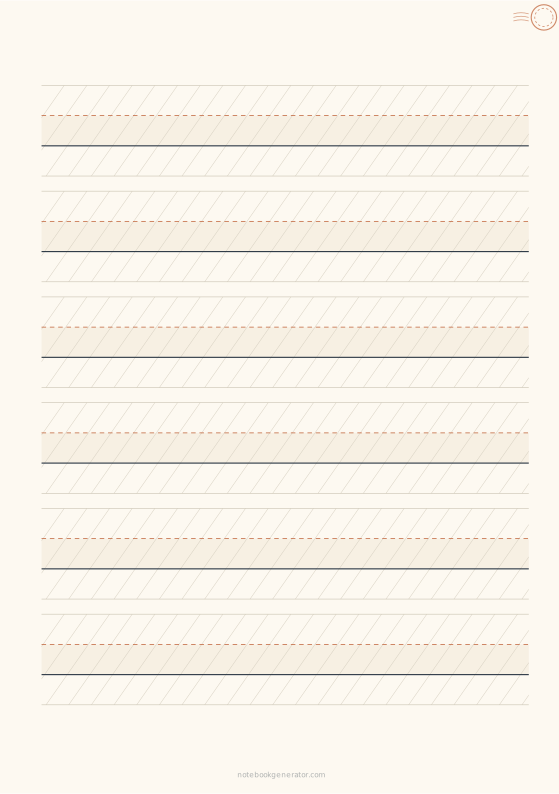
Lettering Practice Sheet
Brush lettering and calligraphy guides with slant lines.
-

Blank Paper
Plain pages with an optional thin border.














