Creative & Travel
Printable Storyboard Template
A storyboard template for films, animation, ads and vertical videos: numbered frames in the aspect ratio you shoot in, each with shot and duration fields and lines for action and dialogue. The frames are drawn as large as the page allows.
What you can customize
- Frames
- Aspect ratio
- Shot and duration fields
- Caption lines
Works well in
- Traveler's Notebook Passport
- A6
- Traveler's Notebook Regular
- B6 (JIS)
- A5
- US Half Letter
- B5 (ISO)
- A4
- US Letter
All page sizes, from Passport to A4
Try it in another style
Start from a preset
- Storyboard 16:9, 6 frames, US Letter The standard video storyboard with shot notes. Open in the maker →
- Vertical video storyboard 9:16 Tall frames for TikTok, Reels and Shorts. Open in the maker →
- Widescreen film storyboard 2.39:1 Three wide frames per page with more caption lines. Open in the maker →
- Thumbnail storyboard, 9 frames, A4 Quick 4:3 thumbnails without fields, for planning a sequence. Open in the maker →
What’s on the storyboard
- A Scene line in the header.
- Numbered frames in 16:9, 4:3, 9:16, 1:1 or 2.39:1, laid out to fill the page.
- Shot and Duration fields next to each frame, which you can turn off.
- 0 to 5 Caption lines per frame for action and dialogue.
Use one page per scene and number the frames continuously. Students can plan a school video, YouTubers a tutorial, and agencies an ad, all from the same template.
Printing it
- Choose a preset and Download PDF → Reading order.
- Print a stack and pin the pages on a wall in order to see the whole film at once.
- Print at 100% (Actual size); a light pencil sketch first, then ink, works best.
Free sample PDFs
Print at 100% (actual size). Made with the same engine as the maker, so the spacing is exact.
Frequently asked questions
Which aspect ratio should I choose?
16:9 for YouTube, TV and most video, 9:16 for vertical phone video, 4:3 for classic animation and presentations, 1:1 for square social posts and 2.39:1 for widescreen film. Match the frame to how the final video will be seen.
What do I write in the shot and duration fields?
The shot type or number, such as WS, MS, CU or 3A, and how long the shot lasts in seconds. Below the frame, the caption lines hold the action, camera movement, dialogue or sound.
How many frames fit on a page?
Choose 2, 3, 4, 6, 8 or 9 Frames. Fewer frames are larger and easier to draw in; nine work well as thumbnails.
Can I storyboard without drawing skills?
Yes. Stick figures, arrows for movement and a box for the subject are enough. The point is to plan the shots and their order before you film.
Related guides
- Calibrate your printer for exact sizesMeasure your printer once so pages print at exactly the right size, find its unprintable margins, and line up the front and back of each sheet.
- Paper sizes, margins and binding allowanceWhich printer paper fits which notebook size, how to set margins and the binding margin, and when to use bleed and creep.
- Double-sided printing on a home printerPrint booklets double-sided on any home printer: automatic duplex settings, manual duplex step by step, the flip on long or short edge question, and a quick test sheet.
Related templates
-
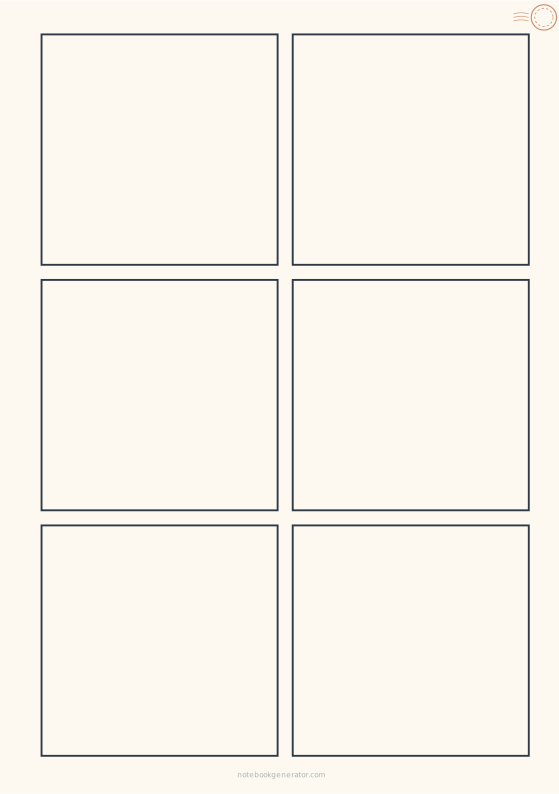
Comic Page
Blank comic and manga panel layouts with even gutters.
-
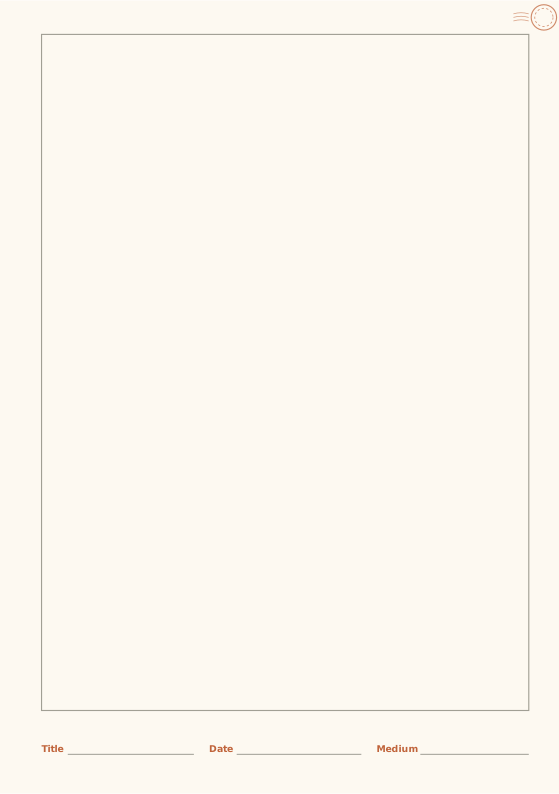
Sketchbook
Framed drawing area with a caption strip.
-
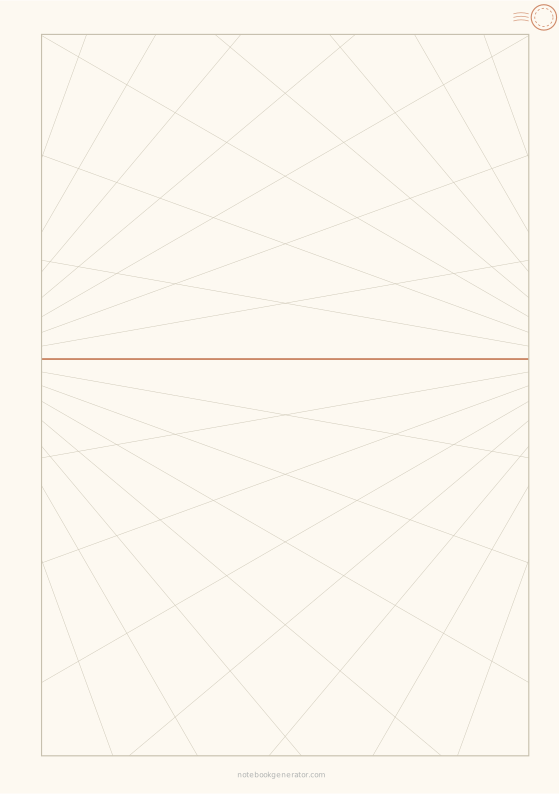
Perspective Grid
One-, two- or three-point perspective guides on a horizon line.
-
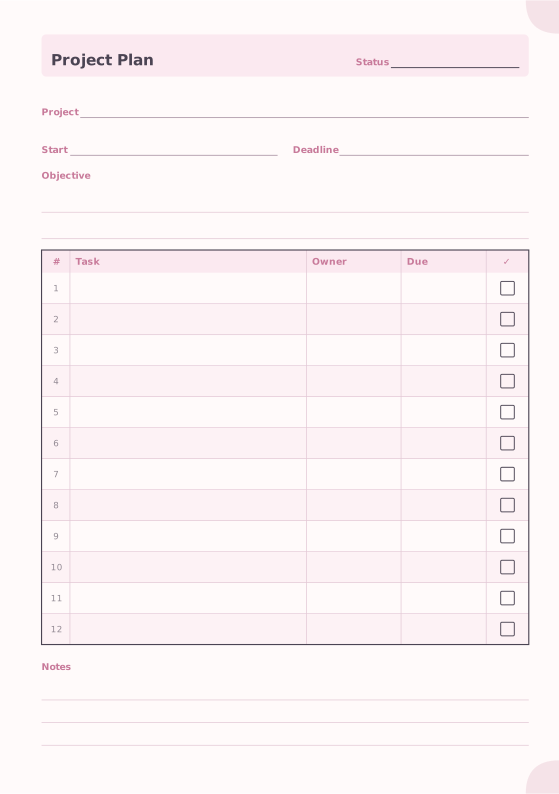
Project Planner
Objective, dates and a task table.
-
Lettering Practice Sheet
Brush lettering and calligraphy guides with slant lines.














