Creative & Travel
Printable Perspective Grid
Perspective drawing grids with guide lines radiating from the vanishing points: one-point for roads and corridors, two-point for buildings and rooms, three-point for dramatic views from above. Draw over them in pencil or put the sheet under your paper.
What you can customize
- Perspective
- Horizon height (%)
- Guide lines
Works well in
- Traveler's Notebook Passport
- A6
- Traveler's Notebook Regular
- B6 (JIS)
- A5
- US Half Letter
- B5 (ISO)
- A4
- US Letter
All page sizes, from Passport to A4
Try it in another style
Start from a preset
- Two-point perspective grid, US Letter Vanishing points just off both edges of the page, horizon at 45%. Open in the maker →
- One-point perspective grid A central vanishing point with vertical guides, for rooms and streets. Open in the maker →
- Three-point perspective, bird’s-eye view A third vanishing point below the page, for looking down on a city. Open in the maker →
- Dense two-point grid, A4 72 guide lines per vanishing point for detailed scenes. Open in the maker →
What’s on the perspective grid
- A horizon line at the height you choose.
- Guide lines from each vanishing point, 12 to 72 per point.
- In one-point perspective, evenly spaced dashed verticals for front faces.
Start with a box: draw its front corner, then take the edges back along the guide lines toward the vanishing points. Once boxes look right, rooms, streets and cities are just more boxes. Two-point grids suit most interiors and buildings; switch to one-point for a straight view down a corridor, and to three-point when height matters.
Printing it
- Choose a preset and Download PDF → Reading order.
- Print a few sheets of each type to keep under your sketch paper.
- Print at 100% (Actual size) on smooth paper.
Free sample PDFs
Print at 100% (actual size). Made with the same engine as the maker, so the spacing is exact.
Frequently asked questions
What is the difference between one-, two- and three-point perspective?
One-point perspective has a single vanishing point on the horizon, seen when you look straight down a road or into a room. Two-point uses two vanishing points for objects seen from a corner, such as a building. Three-point adds a third point; this grid places it below the page, for looking down from a height. Turn the sheet upside down for a view looking up.
Where should the horizon be?
The horizon is your eye level. Horizon height is measured from the top of the page, 15% to 85%. A high value puts the horizon low on the page, for a view from the ground; a low value puts it near the top, for a view from above.
Why are the vanishing points outside the page?
In two- and three-point perspective, points placed off the page give gentler, more natural angles. The guide lines still run across the whole sheet.
How do I use the grid without the lines showing in my drawing?
Put a sheet under thin drawing or marker paper and trace over it, or draw on the grid lightly in pencil and ink only your own lines before erasing.
Related guides
- Calibrate your printer for exact sizesMeasure your printer once so pages print at exactly the right size, find its unprintable margins, and line up the front and back of each sheet.
- Paper sizes, margins and binding allowanceWhich printer paper fits which notebook size, how to set margins and the binding margin, and when to use bleed and creep.
- Choosing paper for printed notebooksPaper weight, finish, size and grain for homemade notebooks and planners: what works with fountain pens, markers and pencil, and what folds well.
Related templates
-
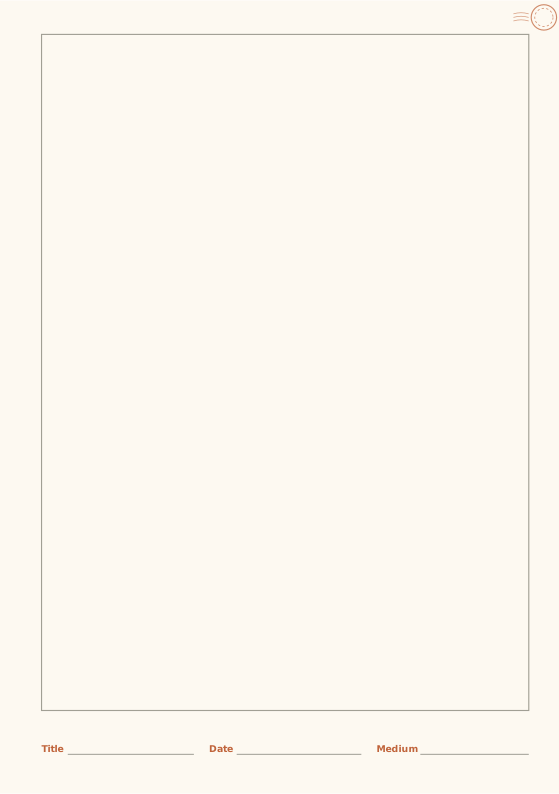
Sketchbook
Framed drawing area with a caption strip.
-
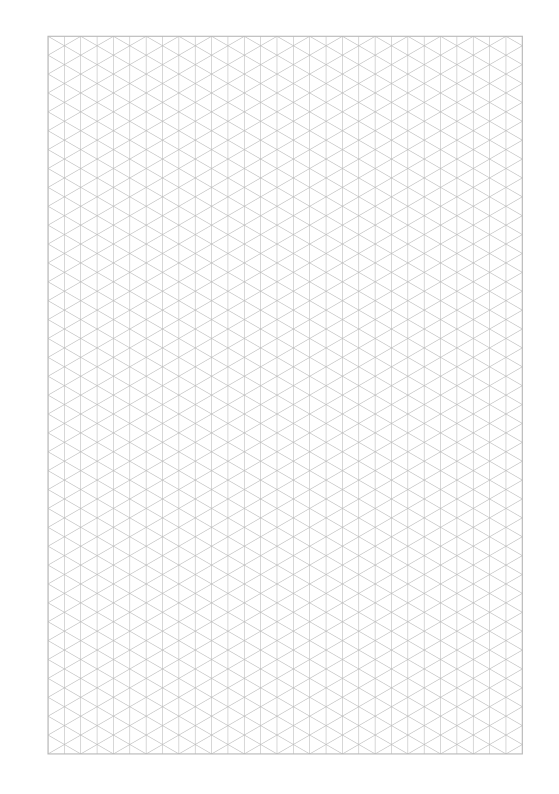
Isometric Grid
Triangular grid for 3D drawings and patterns.
-
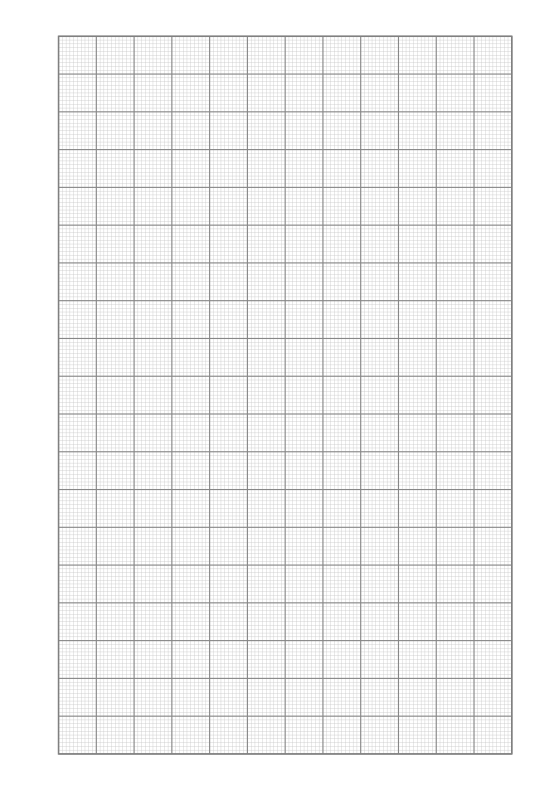
Graph Paper
Engineering graph paper with major and minor lines.
-
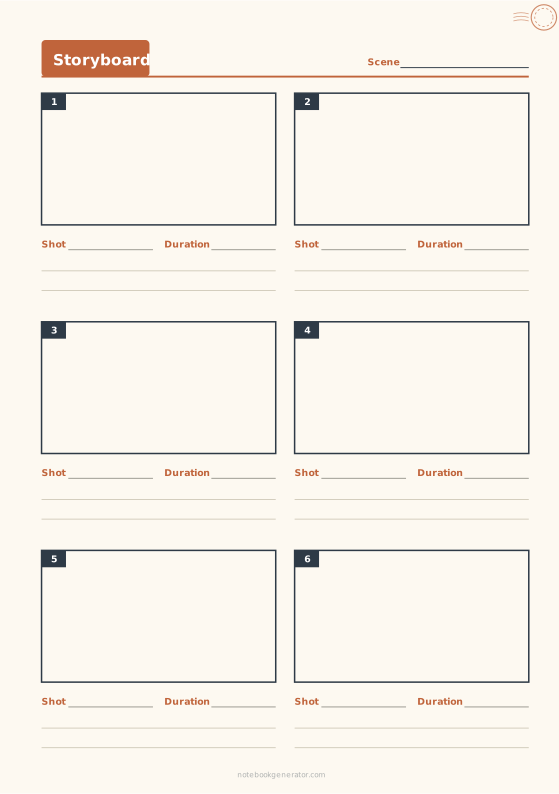
Storyboard
Numbered frames in 16:9, 4:3, 9:16 or widescreen, with shot notes.
-
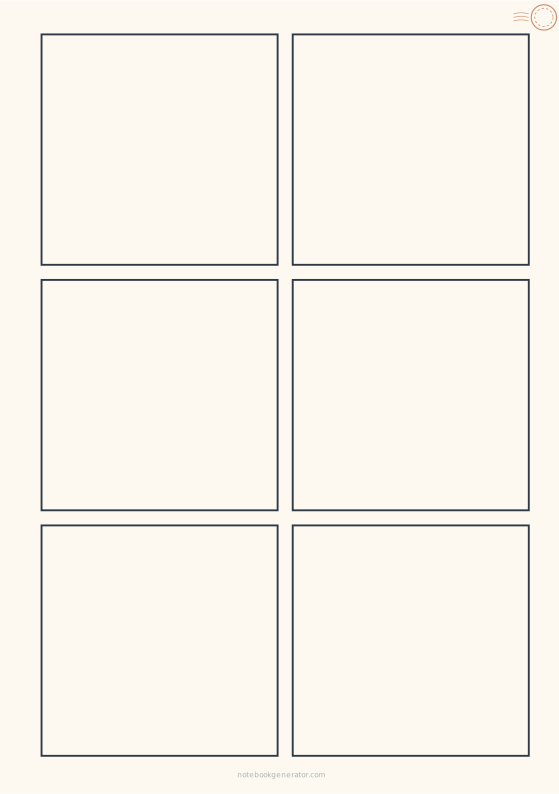
Comic Page
Blank comic and manga panel layouts with even gutters.
-
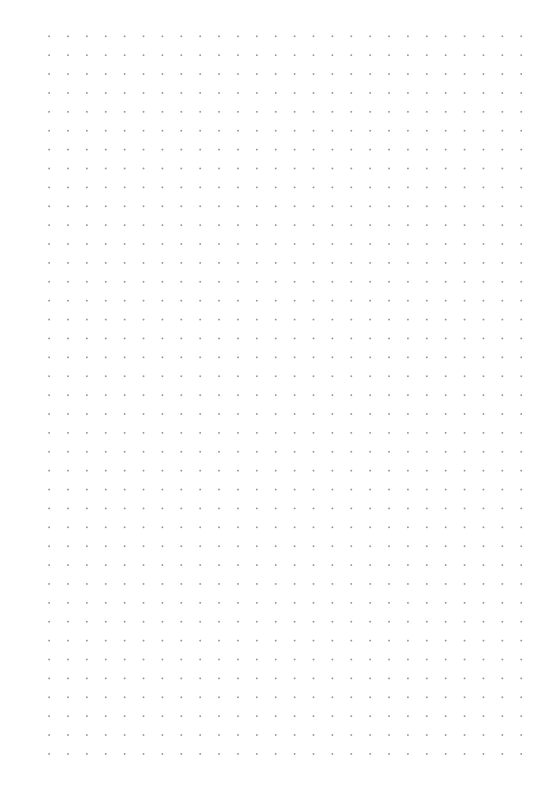
Dot Grid
Evenly spaced dots for bullet journals and sketches.














