Personal Life
Password Log Printable
A password log printable for keeping account details on paper: each entry has lines for the website, username or email, password and a note. Print a few pages or bind a small password book.
What you can customize
- Entries per page
- Notes line
Works well in
- Traveler's Notebook Passport
- A6
- Traveler's Notebook Regular
- B6 (JIS)
- A5
- US Half Letter
- B5 (ISO)
- A4
- US Letter
All page sizes, from Passport to A4
Try it in another style
Start from a preset
- Password log, US Letter Six framed entries per page for a home binder. Open in the maker →
- Password log, A4 The same page on A4 paper. Open in the maker →
- Password book, A5 booklet 32 pages that fold into a small password book. Open in the maker →
- Pocket password book, A6 Three larger entries per page, no notes line. Open in the maker →
What’s on a password log page
Each page is titled Passwords and holds a column of framed entries. Every entry has four lines:
- Website
- Username / email
- Password
- Notes (optional), for security questions, PIN hints or the date you changed it.
In the maker set Entries per page (3 to 8) and turn the Notes line on or off. Add a plain cover so the booklet does not say what it contains, and page numbers to find accounts quickly.
How to print a password book
- For a binder, use the Letter or A4 preset and Download PDF → Reading order.
- For a password book, use the A5 or A6 preset and choose Print-ready booklet. Print double-sided (flip on the short edge), fold, staple and trim if needed.
- Print at 100% (Actual size). Store the printed pages somewhere safe, and shred old copies.
Free sample PDFs
Print at 100% (actual size). Made with the same engine as the maker, so the spacing is exact.
Frequently asked questions
Is it safe to write passwords down?
A paper log is safe from online attacks but not from someone who finds it, so keep it somewhere private at home and never carry it with your cards. Many people write a hint instead of the full password. A password manager is the safer choice for most accounts.
Does the generator see my passwords?
No. The page is printed blank and you fill it in by hand. The PDF is created in your browser and nothing is uploaded.
How many entries are on a page?
Choose 3 to 8 entries per page. Fewer entries give more space for long addresses and passwords; use 3 or 4 on small sizes like A6.
How do I organize a password book?
Add a Section page as a divider for each letter or group of letters (A–C, D–F and so on), or by category such as banking, email and shopping. Then download a print-ready booklet.
Related guides
- How to print a booklet double-sidedPrint your notebook PDF at actual size, choose the right duplex setting, and get pages that come out in the right order after folding.
- Cutting and trimming your notebookUse crop marks to cut printed sheets and trim folded booklets cleanly, with a craft knife, a paper trimmer or a guillotine.
- How to staple a booklet in the middleFold and staple a booklet through the centre with a long-reach or normal stapler. Follow the sheet-order, backing and staple-closing steps.
Related templates
-

Section divider
A title page that opens a section, with a large title and an ornament.
-
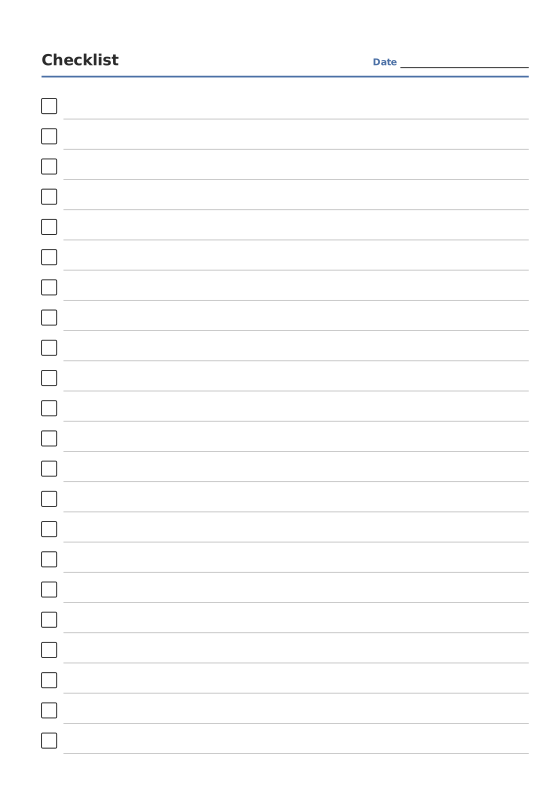
Checklist Paper
Rows of checkboxes with a title and date.
-
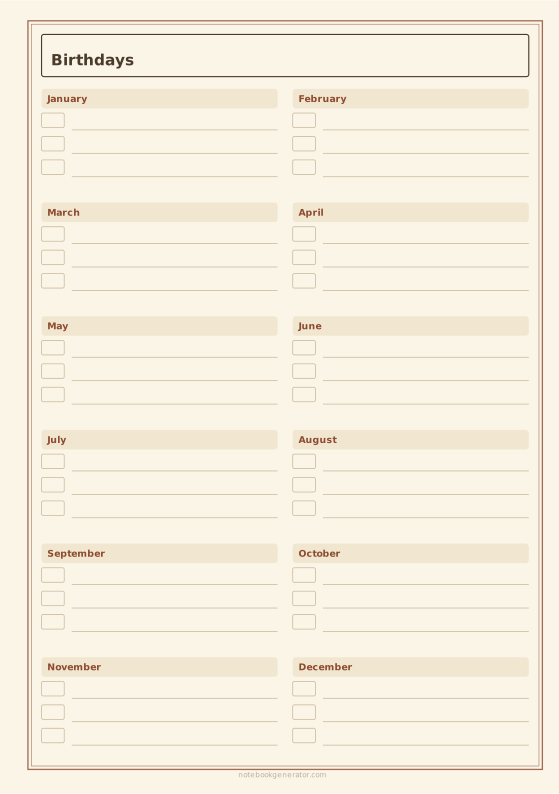
Birthday Calendar
Perpetual birthday and anniversary calendar with a box for each month.
-
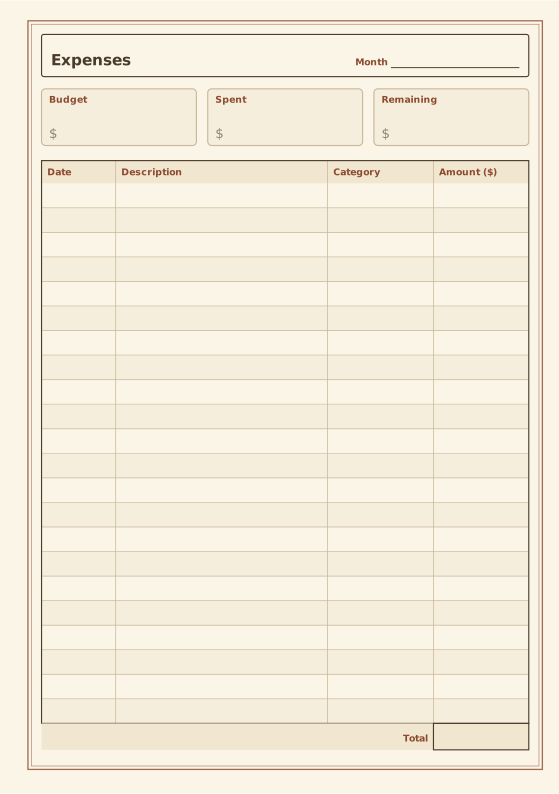
Expense Tracker
Budget summary and expense table with totals.
-
Ruled Paper
Lined writing paper with adjustable line spacing.














