Study & Work
Mistake Notebook Template
A mistake notebook, or error log, turns wrong answers into revision notes. Copy the question you missed, put your answer next to the correct solution, tick why it happened and write the one thing to remember next time.
What you can customize
- Entries per page
- Reason tick boxes
Works well in
- Traveler's Notebook Passport
- A6
- Traveler's Notebook Regular
- B6 (JIS)
- A5
- US Half Letter
- B5 (ISO)
- A4
- US Letter
All page sizes, from Passport to A4
Try it in another style
Start from a preset
- Error log, 2 entries per page, US Letter Space for the question, both answers and the reason. Open in the maker →
- One big entry per page, US Letter For long math, physics or chemistry problems. Open in the maker →
- Mistake notebook, A5 booklet 40 pages folded into a notebook for one subject. Open in the maker →
- Quick corrections, 3 per page, A4 Three compact entries without the reason boxes. Open in the maker →
What’s in each entry
- Subject, date and source fields.
- Question frame, blank so you can copy, sketch or paste the problem.
- My answer and Correct solution, lined, side by side on wide pages.
- Why tick boxes: concept, calculation, misread, careless (optional).
- Key point line for the rule to remember.
Set Entries per page (1 to 3) and the Reason tick boxes in the maker. Free, no sign-up; the PDF is made in your browser.
How to print a mistake notebook
- For a binder, use the Letter or A4 preset and Download PDF → Reading order.
- For a notebook, choose A5 and Print-ready booklet. Print double-sided (flip on the short edge), fold and staple.
- Print at 100% (Actual size).
Free sample PDFs
Print at 100% (actual size). Made with the same engine as the maker, so the spacing is exact.
Frequently asked questions
What is a mistake notebook?
It is a notebook where you collect the questions you got wrong in homework, quizzes and practice exams, together with the correct solution and the reason for the mistake. Reviewing it before a test targets exactly what you still find hard.
How do I fill in an entry?
Write the subject, date and source (textbook page or exam). Copy or paste the question in the frame, write your answer and then the correct solution. Tick the reason: concept, calculation, misread or careless. Finish with a short key point.
How often should I review it?
A few days after writing an entry, cover the solution and try the question again. Repeat before each exam. Entries you solve twice in a row can be crossed off.
Can I use one notebook for several subjects?
Yes, the subject field keeps entries apart, but many students prefer one A5 booklet per subject so the review stays focused.
Related guides
- How to print a booklet double-sidedPrint your notebook PDF at actual size, choose the right duplex setting, and get pages that come out in the right order after folding.
- Note-taking methods: 6 ways to take notes comparedThe Cornell, outline, mapping, charting, sentence and boxing methods explained, with a comparison table, the best paper for each and how to choose by subject.
- How to make a study schedule (with a printable planner)Make a study schedule step by step: list exams and deadlines, map your week, plan sessions with spaced repetition and active recall, and print a free study planner.
Related templates
-
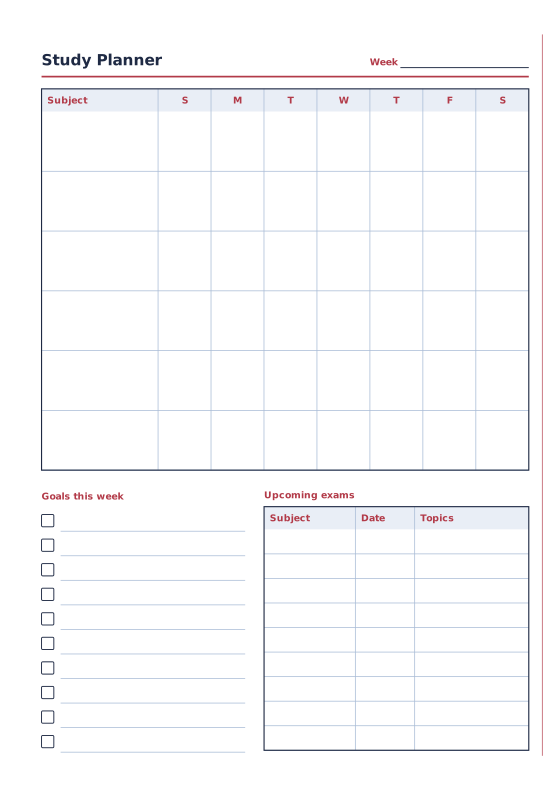
Study Planner
Weekly subject grid, goals and exam dates.
-
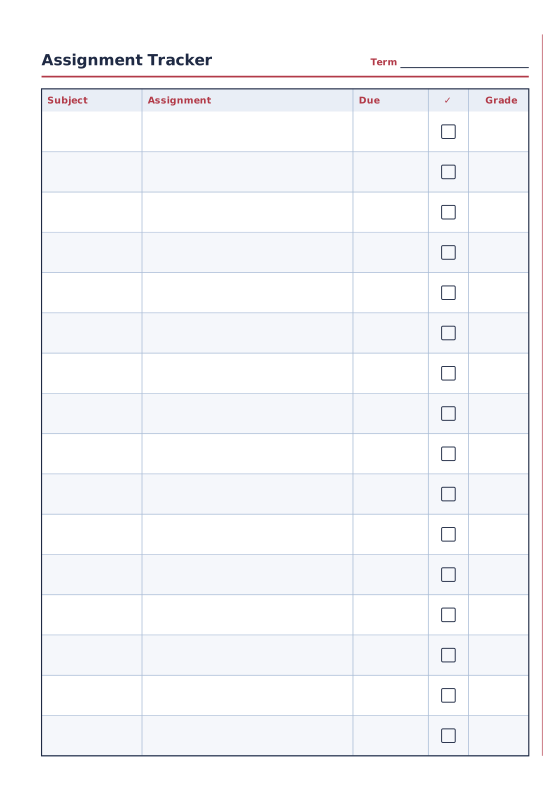
Assignment Tracker
Subjects, assignments, due dates and grades.
-
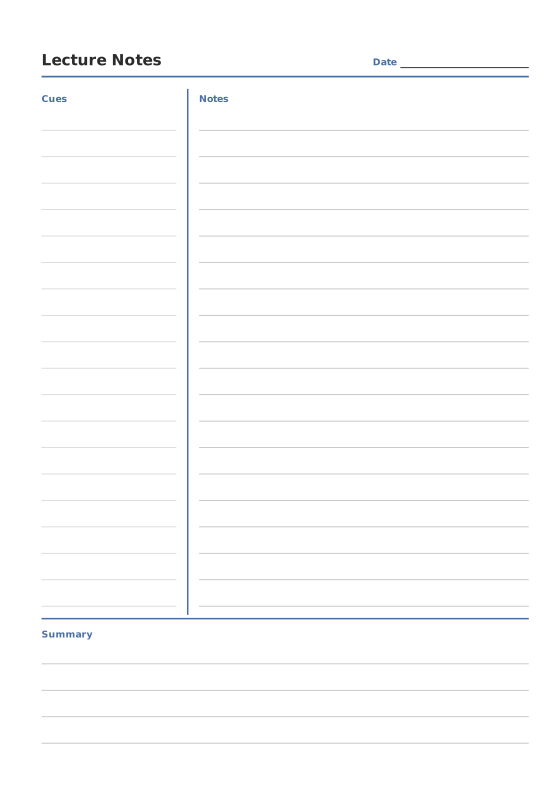
Cornell Notes
Cue column, notes area and summary box.
-
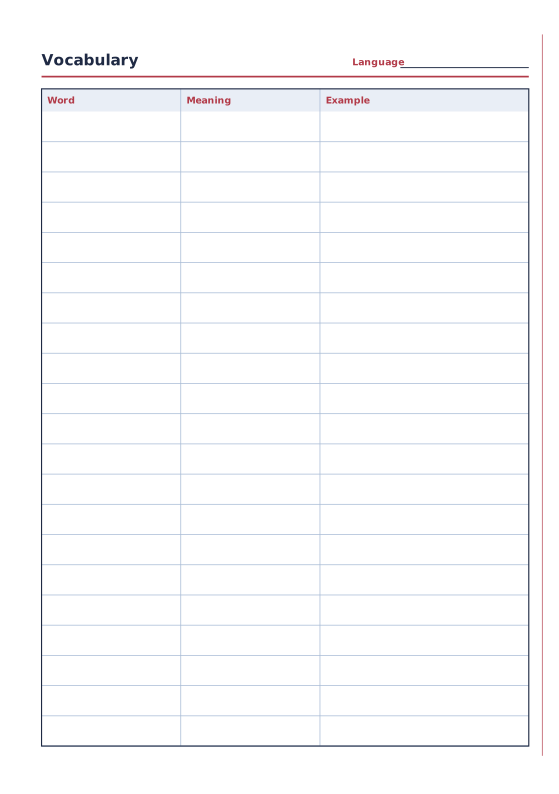
Vocabulary Notebook
Word, meaning and example columns.
-
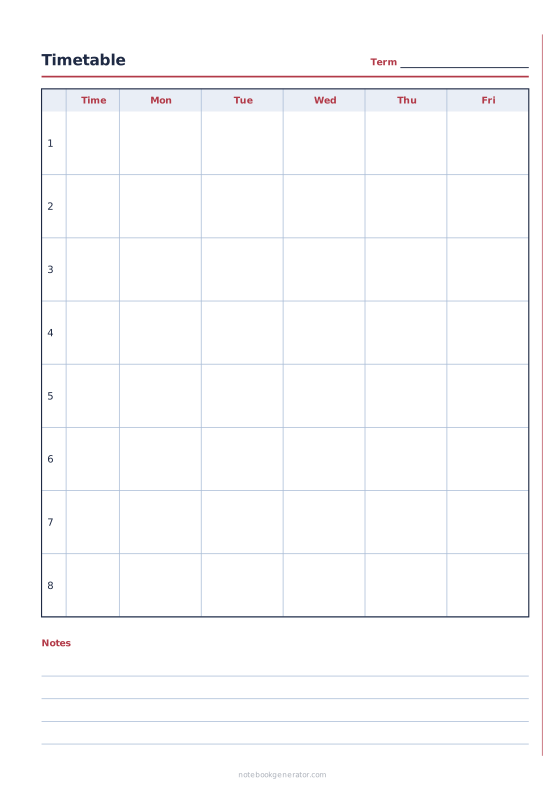
School Timetable
Class schedule with periods, times and 5, 6 or 7 school days.














