Skip to content
Notebook Generator

Planners

Print your own planner, dated for any year

Pick the views you actually use (year at a glance, monthly calendars, weekly pages, daily schedules) and print them dated for any date range, in your language, for the binder or notebook you already own.

Ready-made setups

Open one of these in the maker with the size, pages and settings already chosen, then change anything you like.

Recommended templates

Every planner view

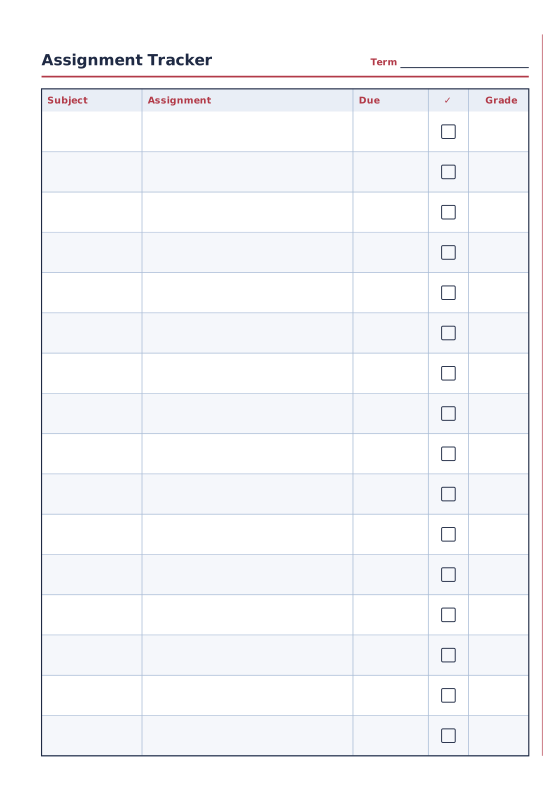
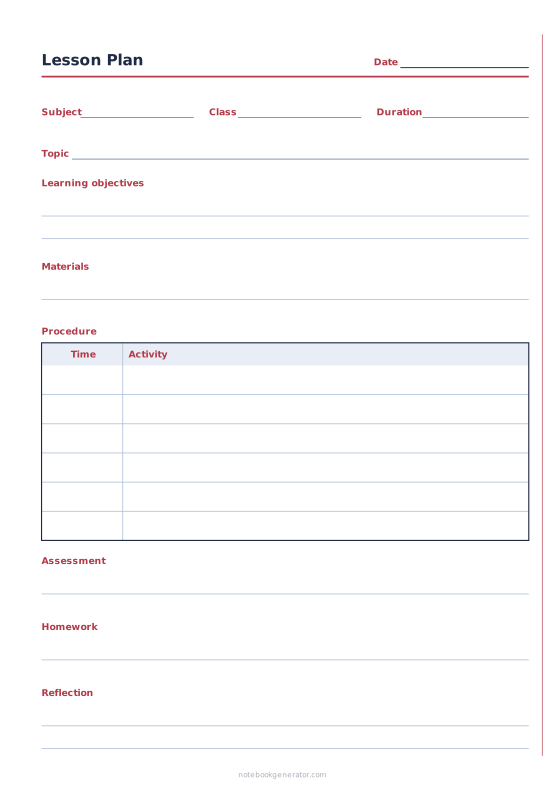
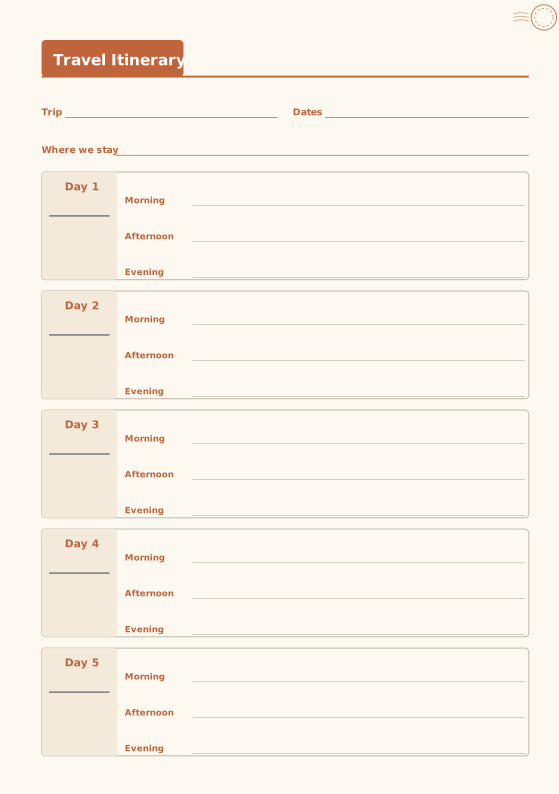
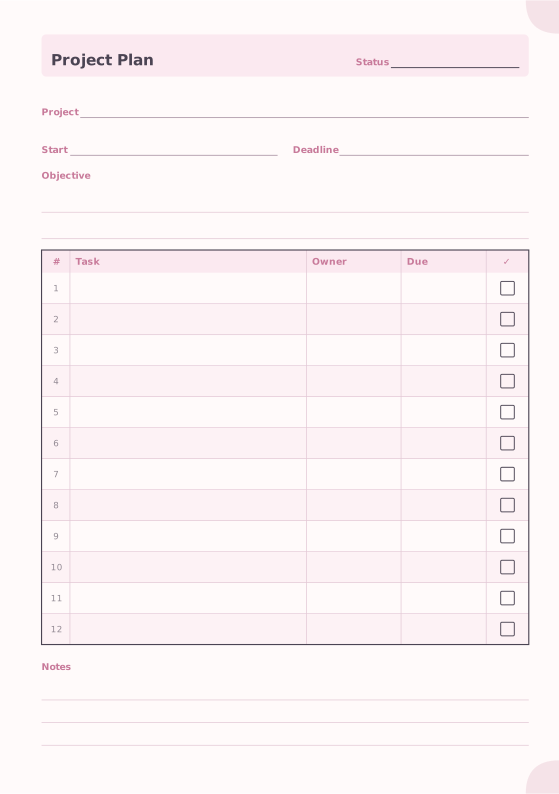
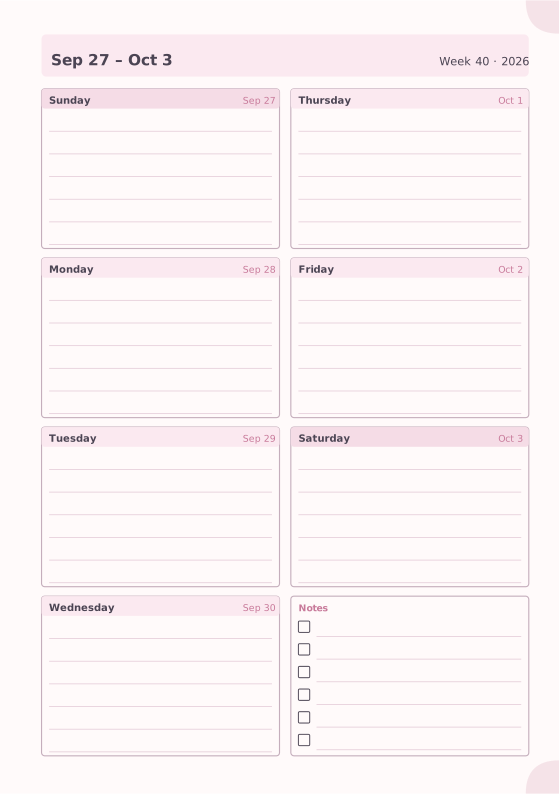
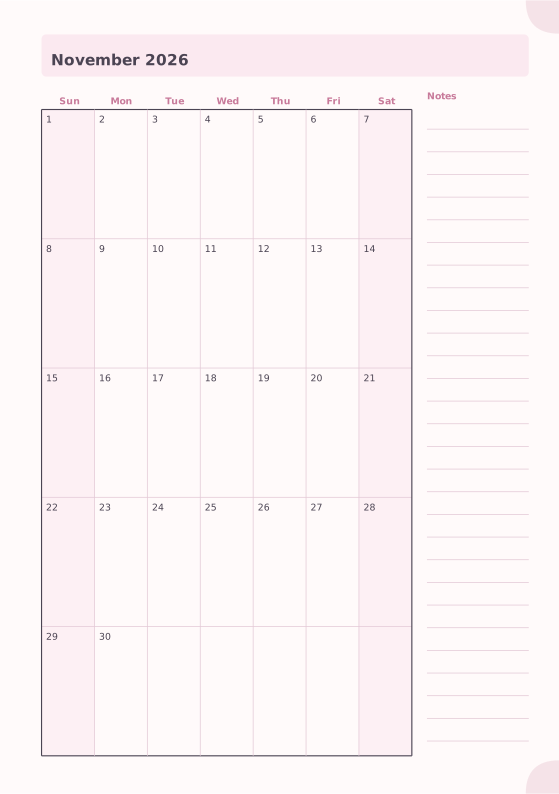
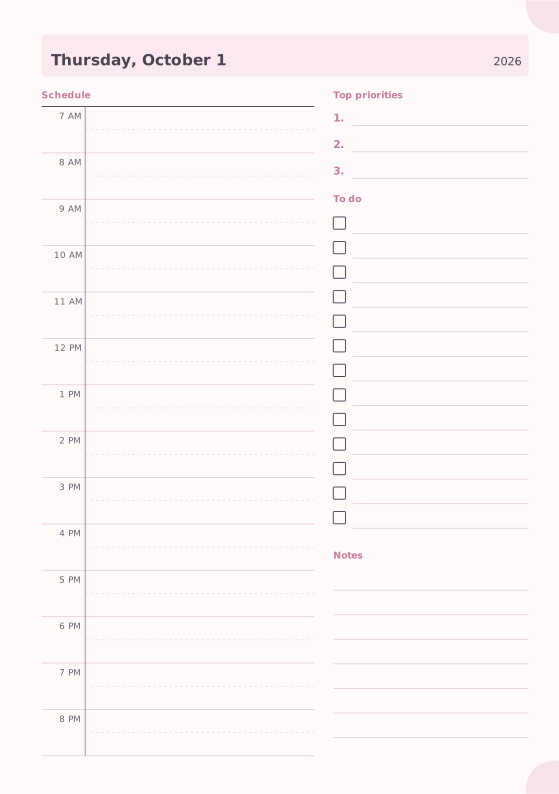
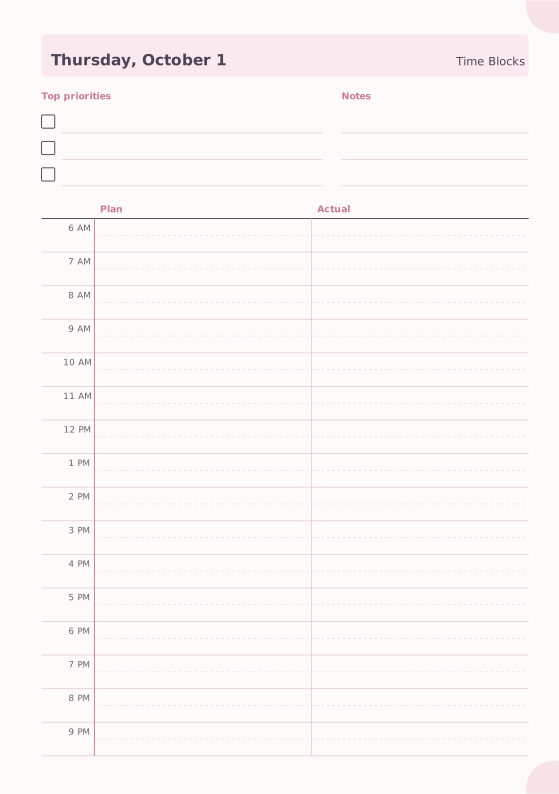
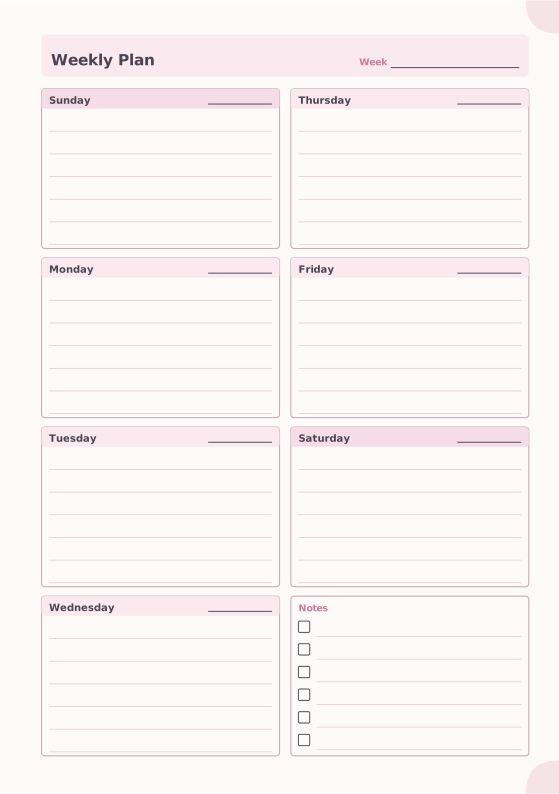
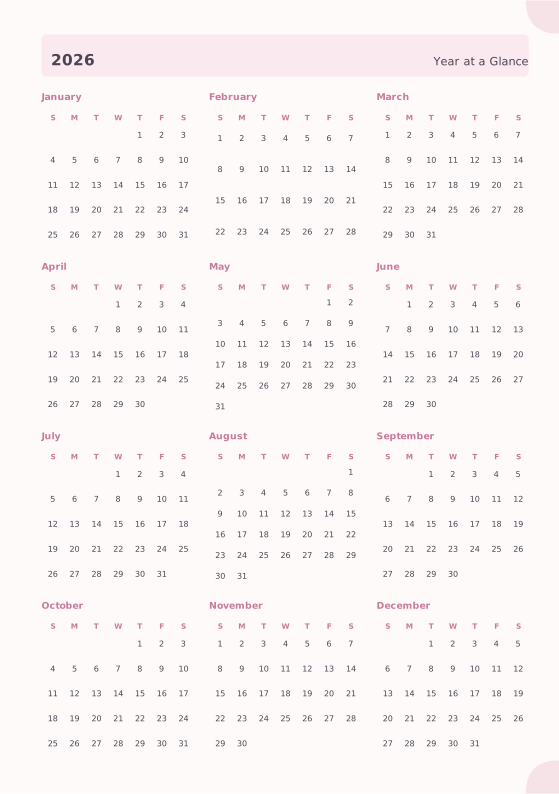
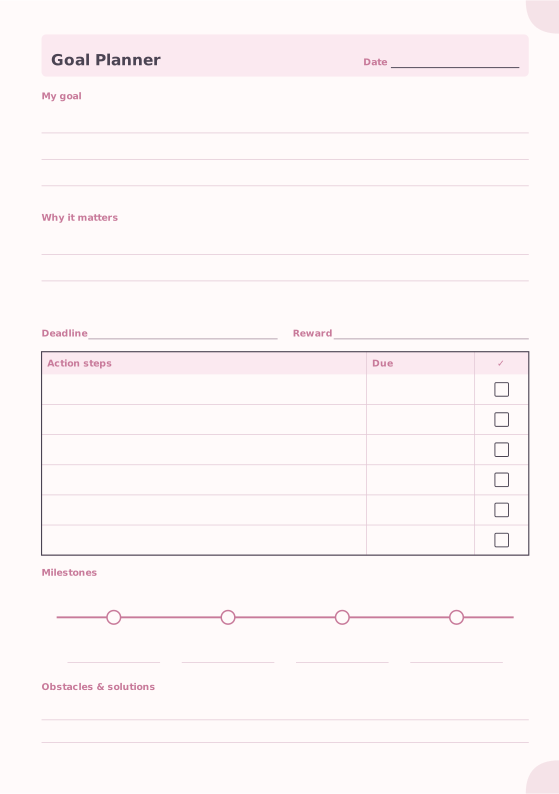
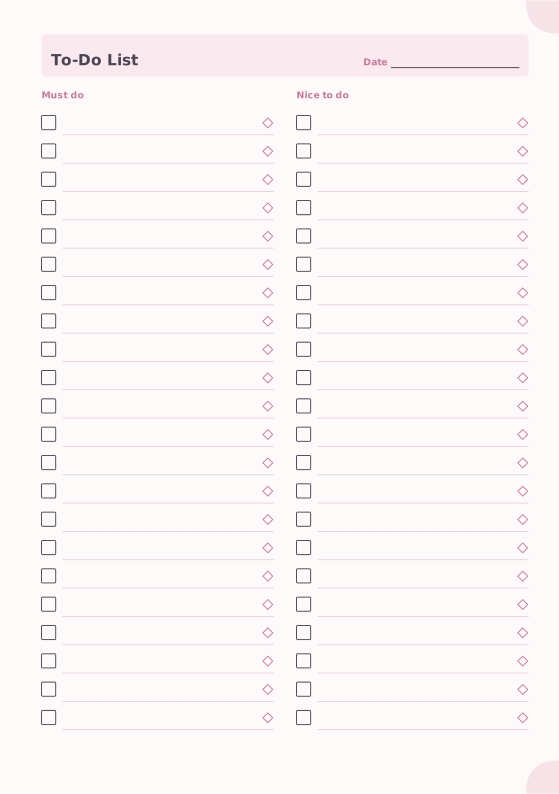
The yearly overview shows the whole year at a glance; monthly pages give a calendar grid with notes; weekly pages show seven days on one or two pages; daily and time-blocking pages plan the day hour by hour. Add goals, to-do lists and project pages wherever you need them.

Dated automatically, in your language

Choose a date range and Notebook Generator creates the pages for you, with the right weekdays, week numbers and month names in 12 languages. Prefer flexibility? Use undated pages and fill in the dates yourself.

Fits the planner you already own

Print planner refills in A5, A6, B6, Half Letter, Personal ring, traveler’s notebook sizes or custom dimensions, as booklets or as single sheets for a ring binder or disc-bound system.
Questions and answers

Can I print a dated planner for next year?

Yes. Add daily, weekly or monthly pages for any date range and they are dated automatically, including the correct weekdays and month names.

Which planner layout should I choose?

If you have many appointments, choose daily or time-blocking pages. If you mostly track tasks, a weekly layout is enough. A monthly calendar alone suits people who only need dates and deadlines.

Can I start my planner in the middle of the year?

Yes. Dated pages start on any date you choose, and undated pages can be started at any time.

Ready to make yours?

Everything is free, works in your browser and prints at exact size.

Open the Notebook Maker

More ideas

All ideas