Health
Printable Blood Pressure Log
A printable blood pressure log with a row for every day of the month: write the time, the systolic and diastolic numbers and your pulse for each reading, and add notes about medication or how you felt. Take the sheets to your next appointment.
What you can customize
- Readings per day
- Rows
- Pulse column
Works well in
- Traveler's Notebook Passport
- A6
- Traveler's Notebook Regular
- B6 (JIS)
- A5
- US Half Letter
- B5 (ISO)
- A4
- US Letter
All page sizes, from Passport to A4
Try it in another style
Start from a preset
- Morning and evening, 31 days, US Letter Two readings a day with pulse, one page per month. Open in the maker →
- One reading a day, US Letter Time, SYS, DIA and pulse with a wide notes column. Open in the maker →
- Three readings a day, US Letter Morning, midday and evening for a closer monitoring period. Open in the maker →
- Blood pressure log, A4 Morning and evening readings on A4. Open in the maker →
What’s on the blood pressure log
- Name line in the header.
- Date column and a block for each reading: time, SYS, DIA and pulse (optional).
- With two or three readings, each block is labelled Morning, Midday or Evening.
- Notes column at the end of every row.
In the maker choose Readings per day (1, 2 or 3), the number of Rows and the Pulse column. The log only records your numbers; it does not interpret them. Talk to your doctor about what your readings mean.
Printing the log
- Use the Letter or A4 preset and Download PDF → Reading order. Print one page per month, or a few months at once.
- Print at 100% (Actual size) so the rows keep their height.
- Keep the sheets in a folder next to your monitor and bring them to appointments.
Free sample PDFs
Print at 100% (actual size). Made with the same engine as the maker, so the spacing is exact.
Frequently asked questions
How do I record blood pressure readings on the log?
Write the date in the first column. For each reading, note the time, then the top number from your monitor under SYS, the bottom number under DIA and the pulse. Use the notes column for anything your doctor asked you to record, such as medication times.
How often should I take my blood pressure?
Follow the routine your doctor or nurse gave you. The log fits one reading a day, morning and evening, or three readings a day; pick the setting that matches your instructions.
Can I remove the pulse column?
Yes. Turn off Pulse column in the maker and each reading has only time, SYS and DIA, leaving more room for notes.
How many days fit on one page?
Set Rows from 7 to 31. The default of 31 covers a whole month on one sheet; 7 rows give a weekly page with taller rows that are easier to write in.
Related guides
- Calibrate your printer for exact sizesMeasure your printer once so pages print at exactly the right size, find its unprintable margins, and line up the front and back of each sheet.
- Paper sizes, margins and binding allowanceWhich printer paper fits which notebook size, how to set margins and the binding margin, and when to use bleed and creep.
Related templates
-
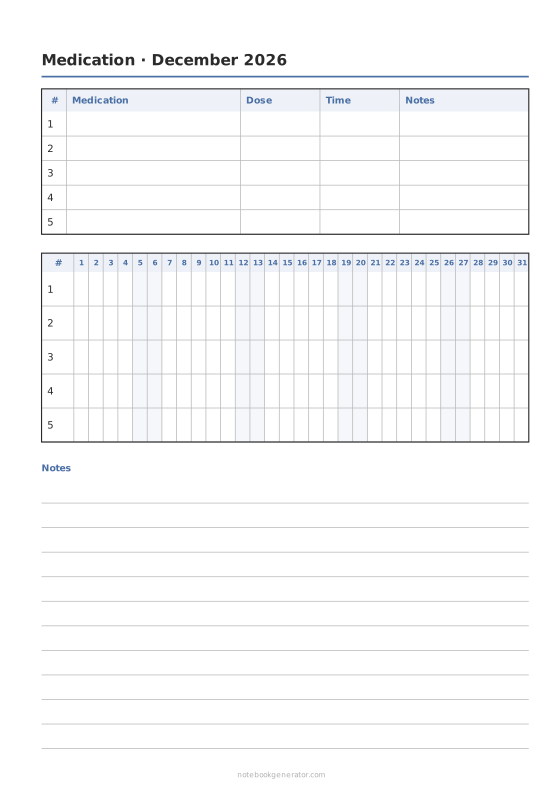
Medication Tracker
A list of medicines and a box for every dose on every day of the month.
-
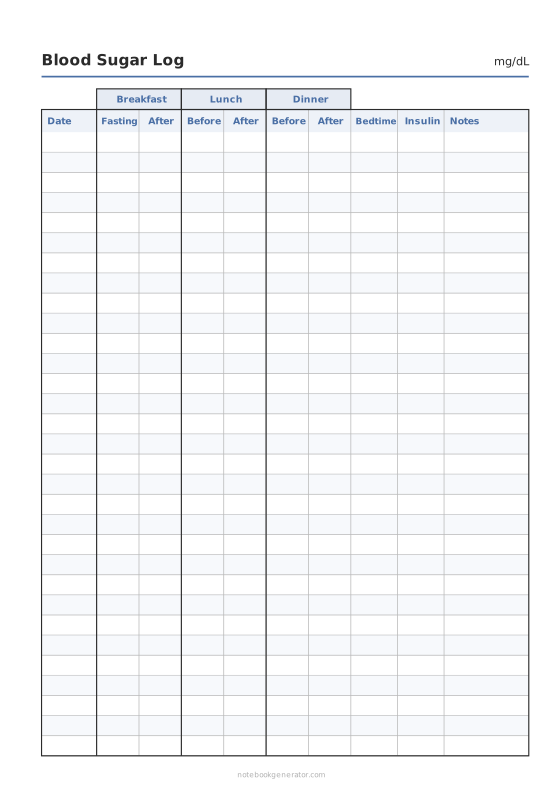
Blood Sugar Log
Fasting, before and after meals and bedtime glucose readings, in mg/dL or mmol/L.
-
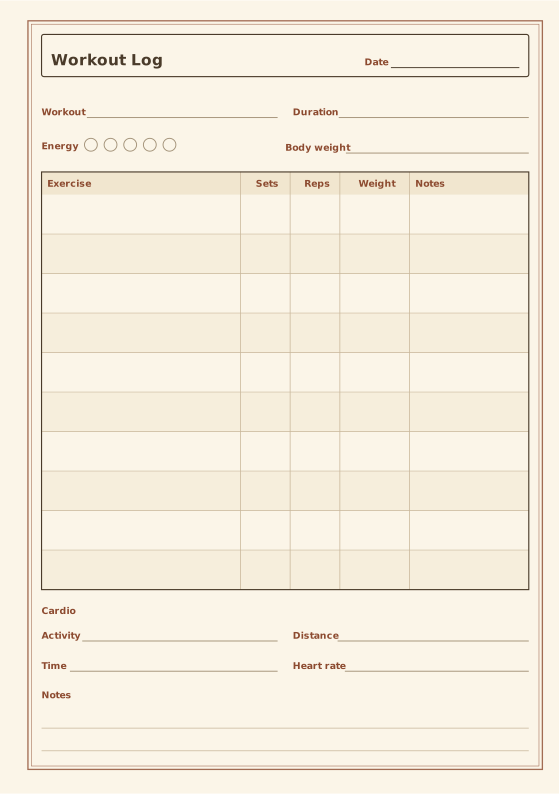
Fitness Log
Exercises, sets, reps and weight plus cardio.
-
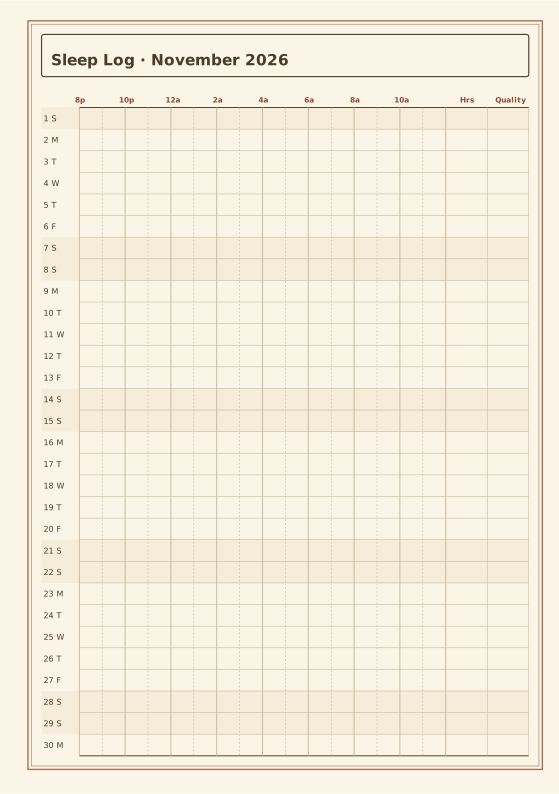
Sleep Tracker
Shade the hours you slept each night.
-
Habit Tracker
Monthly grid to track up to 20 habits.














