Money
Printable Bill Calendar
A monthly bill calendar and bill payment checklist on one page: write each bill on the day it is due, then list it beside the calendar with the amount, whether it is on autopay and a box to tick when it is paid.
Dated or undated: add a whole sequence of monthly pages in one step.
What you can customize
- Month
- Currency symbol
Works well in
- Traveler's Notebook Passport
- A6
- Traveler's Notebook Regular
- B6 (JIS)
- A5
- US Half Letter
- B5 (ISO)
- A4
- US Letter
All page sizes, from Passport to A4
Try it in another style
Start from a preset
- Bill calendar 2027, 12 months, US Letter January to December 2027 with real dates and weekends shaded. Open in the maker →
- Undated bill tracker, US Letter Blank month grid to start any month you like. Open in the maker →
- Bill calendar for a budget binder, A5 booklet Calendar above, bill list below, one month per page. Open in the maker →
What’s on the bill calendar
- Month grid: a calendar for the month, with the dates and shaded weekends when you choose a month, or blank.
- Bill list: bill, due day, amount, an Auto box for autopay and a Paid box, in shaded rows.
- On Letter and A4 the calendar and the list sit side by side; on smaller pages the list moves below the calendar.
It pairs well with the budget planner and the debt payoff tracker in one household binder: bills on the calendar, the plan in the budget, extra payments in the debt log.
Printing it
- Choose the dated preset, or set your own start month, and Download PDF → Reading order.
- Hole-punch the pages for a binder, or choose A5 and Print-ready booklet for a small notebook.
- Print at 100% (Actual size) so the calendar cells keep room for writing.
Free sample PDFs
Print at 100% (actual size). Made with the same engine as the maker, so the spacing is exact.
Frequently asked questions
How do I use a bill calendar?
At the start of the month, write each bill’s name on its due date in the calendar. In the list, add the bill, the due day and the amount, and tick Auto for bills that are paid automatically. Tick Paid as you pay each one, so a glance shows what is still open.
Can I print a whole year of dated months?
Yes. Pick the first month under Month and set the page count to 12. Each page continues with the next month, with real dates and weekends shaded.
Can I leave the dates blank?
Leave Month empty and the grid prints without numbers, with a line in the header to write the month. That works for any year.
Where does the currency symbol appear?
In the Amount column heading. Type $, £, € or any symbol of up to four characters, or leave it empty.
Related guides
- How to print a booklet double-sidedPrint your notebook PDF at actual size, choose the right duplex setting, and get pages that come out in the right order after folding.
- Paper sizes, margins and binding allowanceWhich printer paper fits which notebook size, how to set margins and the binding margin, and when to use bleed and creep.
- How to make your own planner and print it at homeMake your own planner: choose the size and layout, pick your sections, count the pages, build it free in your browser, then print it double-sided and bind it.
Related templates
-
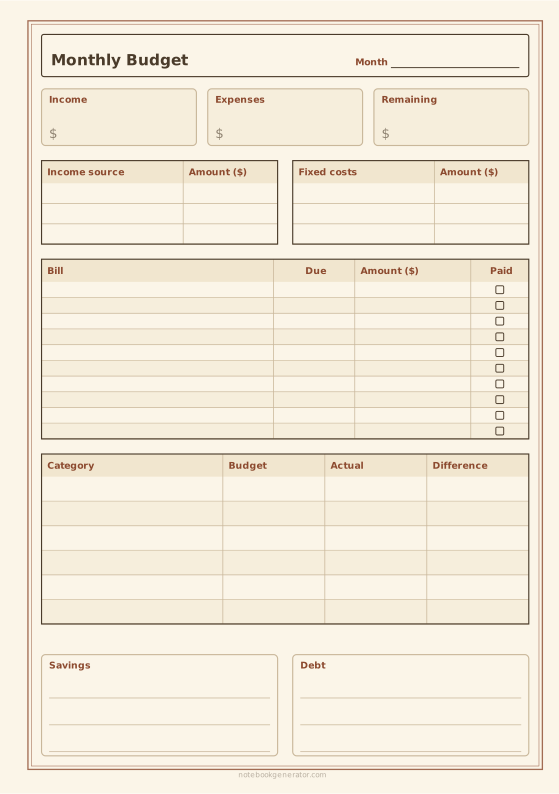
Monthly Budget Planner
Income, bills with due dates, spending by category, savings and debt on one page.
-
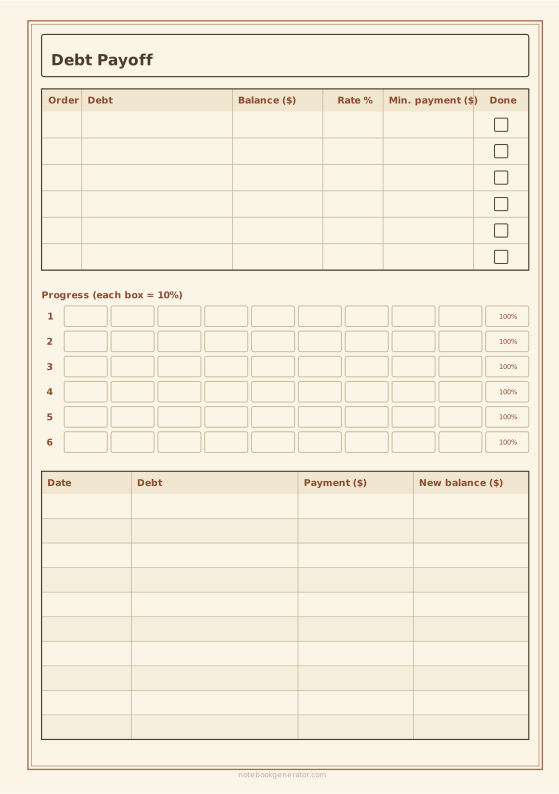
Debt Payoff Tracker
Your debts in payoff order, a progress bar for each and a payment log.
-
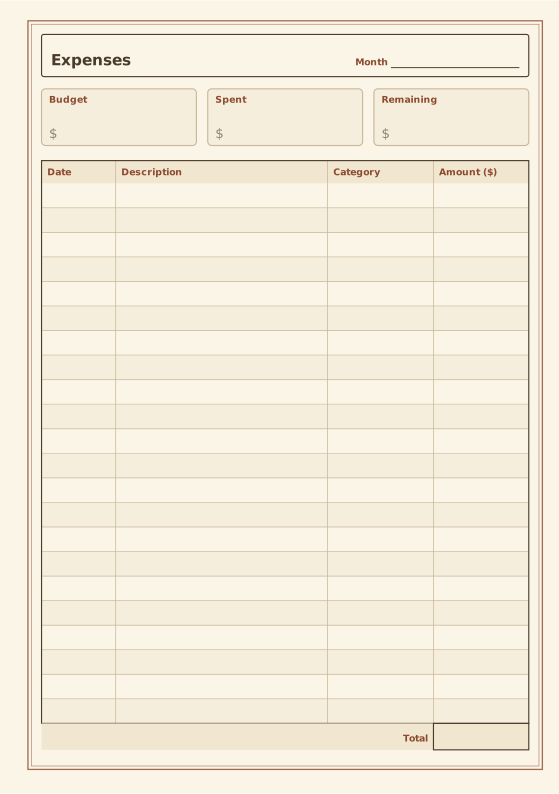
Expense Tracker
Budget summary and expense table with totals.
-
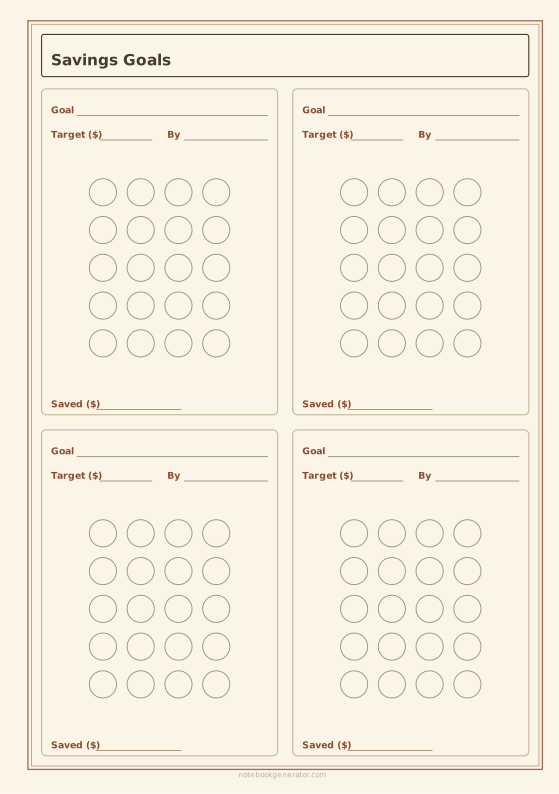
Savings Goal Tracker
Savings goal cards (sinking funds) with a circle to fill for every payment.
-
Monthly Calendar
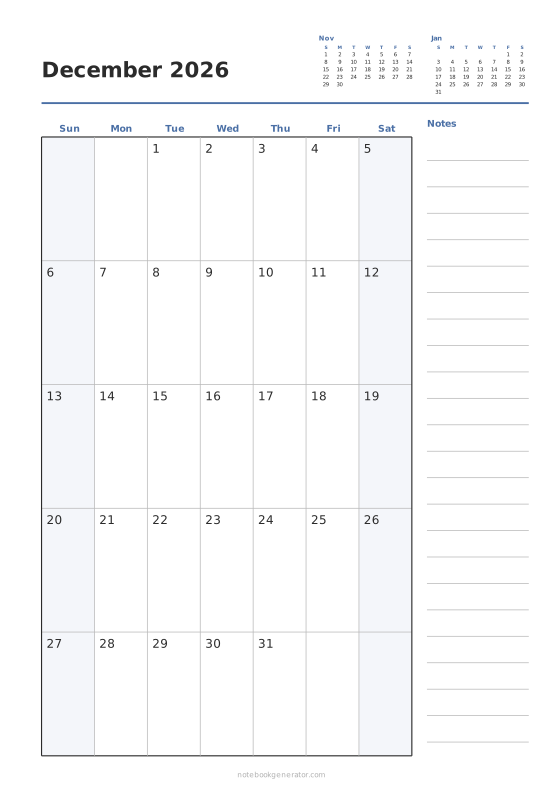
One month per page with big day boxes, week numbers and a notes column.














