Study & Work
Printable 10-Minute Study Planner
The study planner Korean students made popular: write the D-day, today’s goal and your tasks by subject, then color in the time table in 10-minute cells as you study. At the end of the day you see exactly how much time you really spent.
Dated or undated: add a whole sequence of daily pages in one step.
What you can customize
- Date
- Cells per hour
- First hour
- D-day box
Works well in
- Traveler's Notebook Passport
- A6
- Traveler's Notebook Regular
- B6 (JIS)
- A5
- US Half Letter
- B5 (ISO)
- A4
- US Letter
All page sizes, from Passport to A4
Try it in another style
Start from a preset
- 10-minute study planner, US Letter Six cells per hour from 6 a.m., with D-day box. Open in the maker →
- Dated study planner from January 4, 2027 Each page prints the next date, for a month of exam prep. Open in the maker →
- 15-minute planner starting at 8 a.m. Four cells per hour for a school or work day. Open in the maker →
- Study planner booklet, A5 A small daily planner, folded and stapled. Open in the maker →
What’s on the study planner
- Header: the date or a D-day box.
- Left side: today’s goal, total study time and a task list with subject, task and a check box.
- Right side: a time table of 19 hours from your first hour, each hour split into 10-, 15- or 30-minute cells.
Set a start Date to print the date on each page; every following page is the next day. Leave it empty to write dates yourself and skip days off.
Printing it
- For loose daily sheets, use the Letter preset and Download PDF → Reading order.
- For a planner notebook, choose A5 and Print-ready booklet, print double-sided on the short edge, fold and staple.
- Print at 100% (Actual size) so the small cells stay easy to color.
Free sample PDFs
Print at 100% (actual size). Made with the same engine as the maker, so the spacing is exact.
Frequently asked questions
How does a 10-minute planner work?
Each row of the time table is one hour, split into six 10-minute cells. Whenever you study, color the cells for that time, using one color per subject if you like. Add up the colored cells and write the result under Total study time.
What is the D-day box for?
For a countdown to your exam or deadline: write the number of days left after D-, for example D-30. Turn D-day box off to get a date line instead.
Can I start the time table later in the day?
Yes. Set First hour from 0 to 12. The table always shows 19 hours, so starting at 6 a.m. runs to 1 a.m.
Can I use 15- or 30-minute cells?
Choose 6, 4 or 2 under Cells per hour for 10, 15 or 30 minutes per cell.
Related guides
- How to print a booklet double-sidedPrint your notebook PDF at actual size, choose the right duplex setting, and get pages that come out in the right order after folding.
- How to staple a booklet in the middleFold and staple a booklet through the centre with a long-reach or normal stapler. Follow the sheet-order, backing and staple-closing steps.
- How to make a study schedule (with a printable planner)Make a study schedule step by step: list exams and deadlines, map your week, plan sessions with spaced repetition and active recall, and print a free study planner.
- Time blocking: how to plan your day in blocksTime blocking explained: how it differs from timeboxing and task batching, how to block your day step by step, a sample schedule and a free printable planner.
Related templates
-
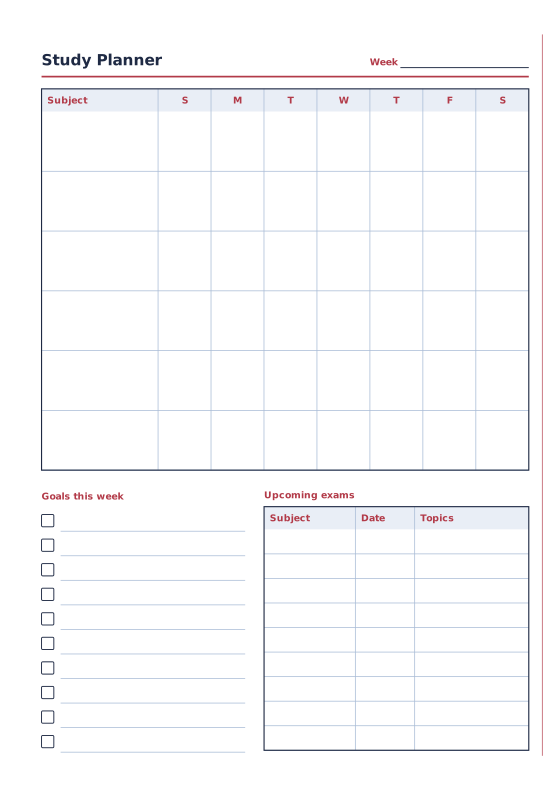
Study Planner
Weekly subject grid, goals and exam dates.
-
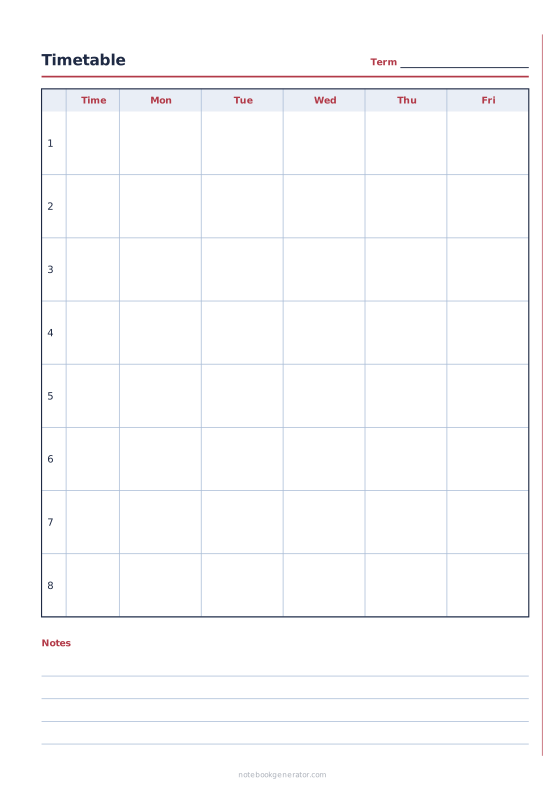
School Timetable
Class schedule with periods, times and 5, 6 or 7 school days.
-
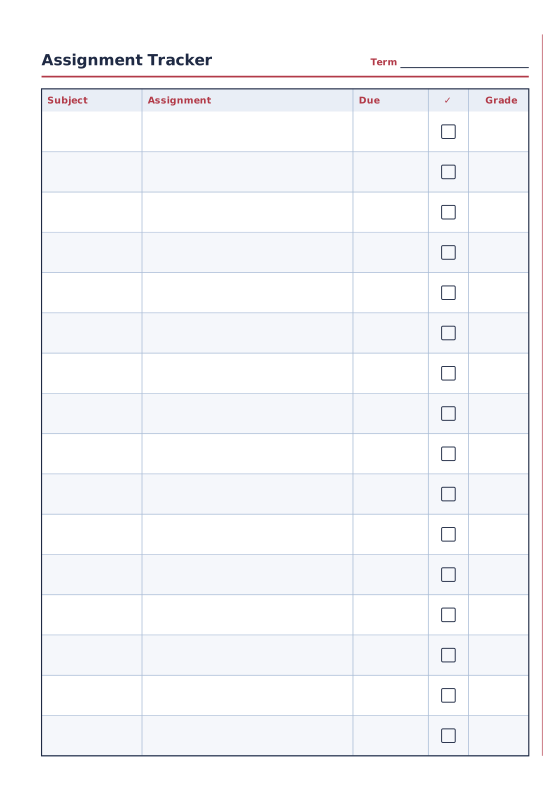
Assignment Tracker
Subjects, assignments, due dates and grades.
-
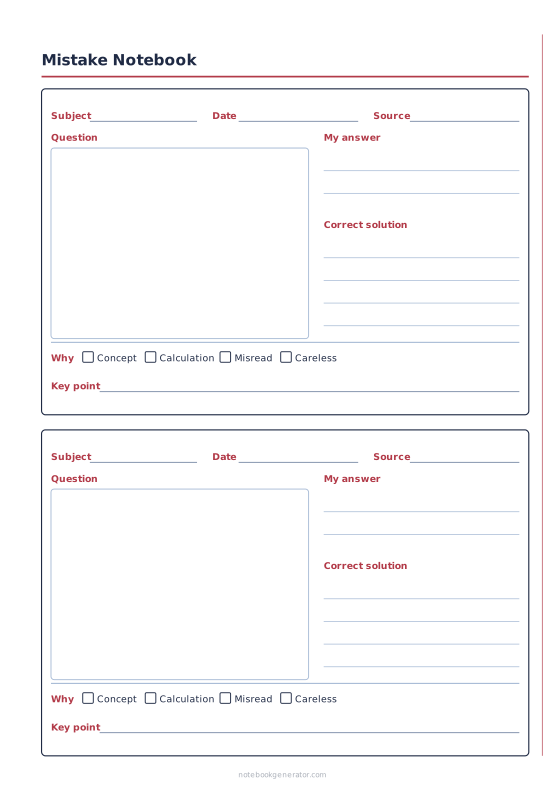
Mistake Notebook
Question, your answer, the correct solution and why you got it wrong.
-
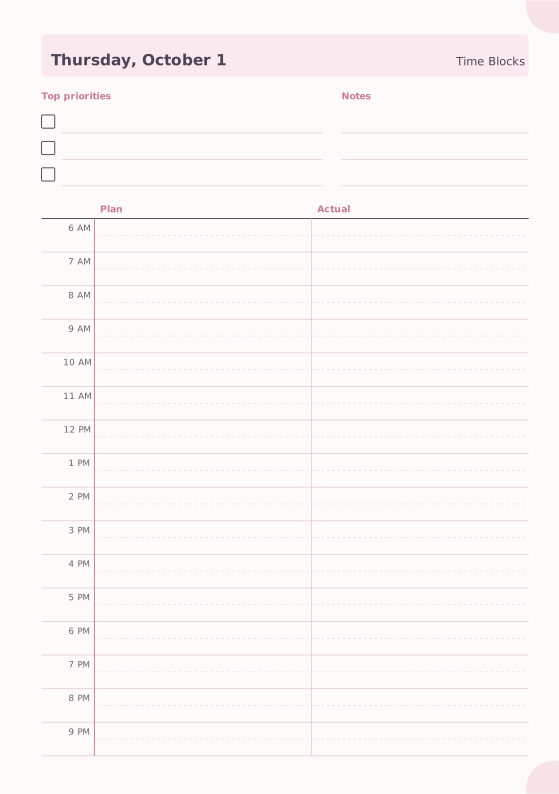
Time Blocking
Plan versus actual hourly blocks.
-
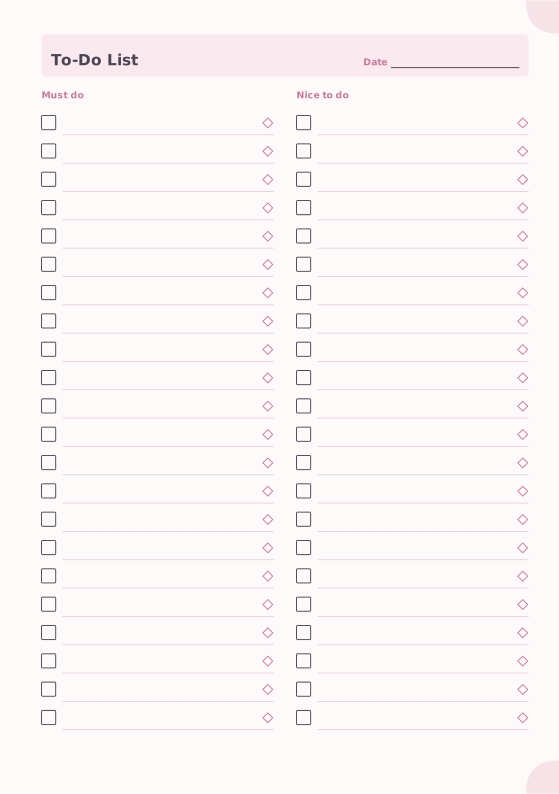
To-Do List
Must-do and nice-to-do checklists with priority marks.














