Hobonichi
Printable A6 pages for the Hobonichi Original
The Hobonichi Original is an A6 book. Print the pages the book does not have: habit trackers, meal plans, budget pages, 3.7 mm grid, or a whole dated weekly section, each cut to 105 × 148 mm so it sits flush with the real pages when tucked or glued in.
- Page size
- 4.134 × 5.827 in105 × 148 mm
- How it prints
- Loose pages, trimmed to sizePrints on: A5, A4
- Holes
- None
Start from a preset
- 3.7 mm grid pages The Hobonichi grid, for notes and planning spreads. Open in the maker →
- Habit tracker, 12 months One tracker page per month for a whole year. Open in the maker →
- Dated weekly pages, 26 weeks Half a year of weeks on one page each, for a Day-Free or as a planning section. Open in the maker →
- Budget and expense pages A monthly budget followed by expense logs. Open in the maker →
The A6 page
| Book | Page size | Prints on | Pages per sheet |
|---|---|---|---|
| Hobonichi Original, Planner, Day-Free, HON A6 | A6, 105 × 148 mm | A4 / Letter landscape, or A5 | 2, or 1 |
Pick Hobonichi Original (A6) under Planner or binder in the maker and the page size, a slim inner margin and double-sided loose-page printing are set for you. The same pages also print as a folded A6 booklet on A5 or A4 paper if you would rather make a separate memo book that lives in the cover’s pocket: switch the export to Print-ready booklet.
Printing and cutting
- Open a preset above and add the pages you want. Dated templates take any start date.
- Download PDF → Loose pages. Choose two pages per sheet to save paper.
- Print double-sided, flip on the long edge, at 100%.
- Cut along the crop marks. A guillotine trimmer makes a stack of identical pages in one pass; a knife and ruler work too, cutting the long edges first.
- Tuck, tape or glue the pages into the book.
Tomoe River paper is thinner than anything a home printer handles well; 70–80 g/m² copy paper is the practical choice and takes gel and fountain pen ink without feathering on most brands.
Free sample PDFs
Print at 100% (actual size). Made with the same engine as the maker, so the spacing is exact.
- 3.7 mm grid, 4 A6 pages, two per A4 sheetDouble-sided with crop marks. PDF ↓
Frequently asked questions
What size are Hobonichi Original pages?
A6, 105 × 148 mm (4.1 × 5.8 in). The Techo Original, Planner (English edition), Day-Free and HON A6 all share this page size. Trim 1 mm smaller if you want tucked-in pages to sit inside the edge of the book.
How do I attach printed pages to a bound book?
Run a strip of double-sided tape or a thin line of glue along the inner edge and stick the page onto an existing one, or fold a tab on the printed page and tape that in so the page flips. Many people simply keep a few loose pages in the back pocket of the cover.
Can I print a daily page for every day?
Yes. The daily template produces one dated page per day for any range, with a timeline and task list, in your language. For a whole year that is 365 pages, about 183 A4 sheets printed double-sided, so most people print a month or a quarter at a time.
Should I use A5 paper or A4?
A4 (or Letter) holds two A6 pages side by side, so it halves the sheets. A5 paper gives one page per sheet with less cutting. Both options are in the export dialog under pages per sheet.
Related guides
- Cutting and trimming your notebookUse crop marks to cut printed sheets and trim folded booklets cleanly, with a craft knife, a paper trimmer or a guillotine.
- Double-sided printing on a home printerPrint booklets double-sided on any home printer: automatic duplex settings, manual duplex step by step, the flip on long or short edge question, and a quick test sheet.
- Paper sizes chart: A4, A5, B5 and Letter in mm and inchesA4, A5, A6, B5, US Letter, Half Letter and Legal in millimetres and inches, how A4 compares with Letter, and which size suits a journal, planner or school notebook.
- How to make your own planner and print it at homeMake your own planner: choose the size and layout, pick your sections, count the pages, build it free in your browser, then print it double-sided and bind it.
Related templates
-
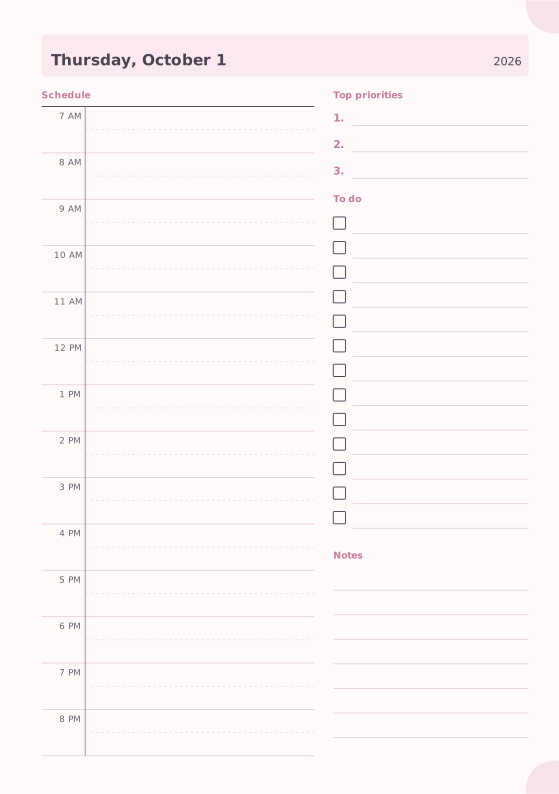
Daily Planner
Hourly schedule, top priorities, to-do list and notes.
-
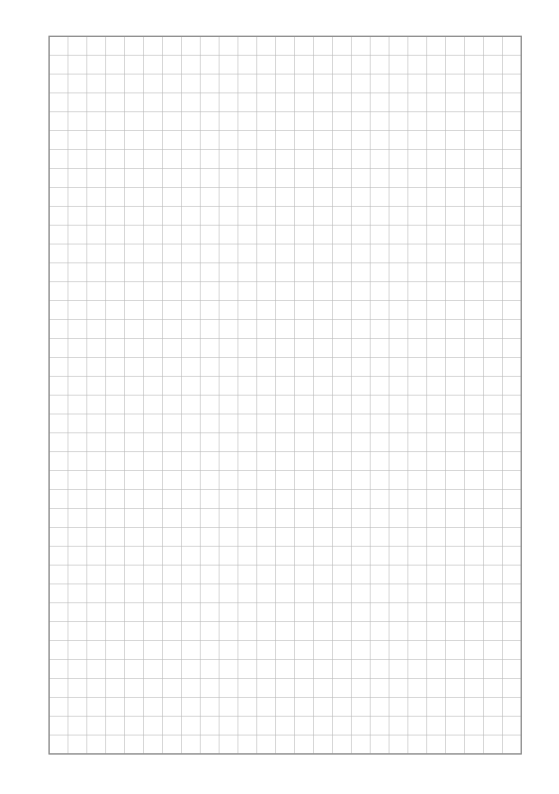
Square Grid
Quad-ruled squares for notes, math and diagrams.
-
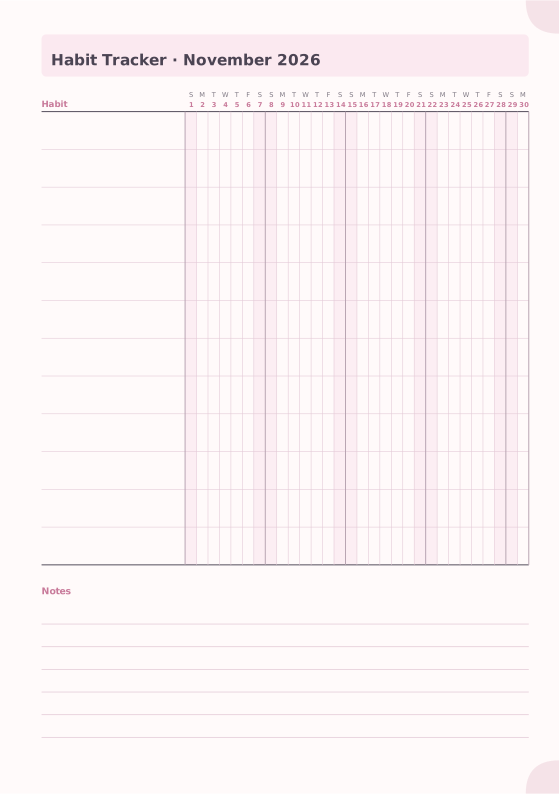
Habit Tracker
Monthly grid to track up to 20 habits.
-
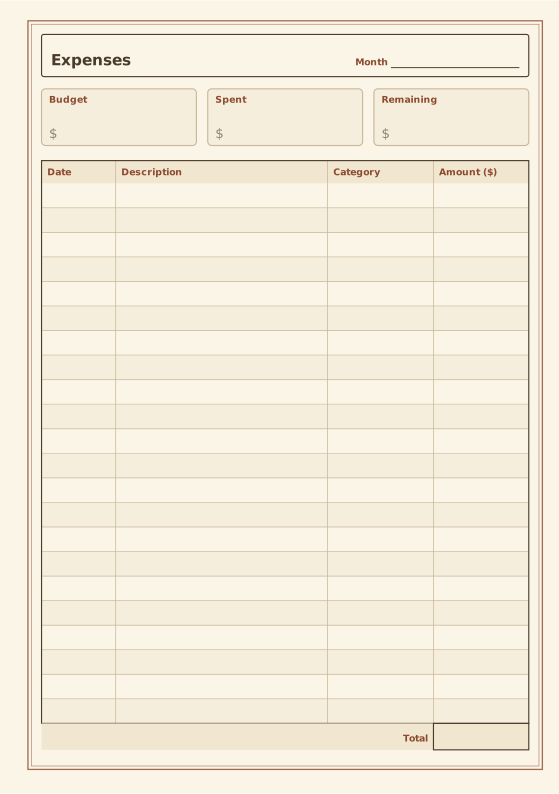
Expense Tracker
Budget summary and expense table with totals.
-
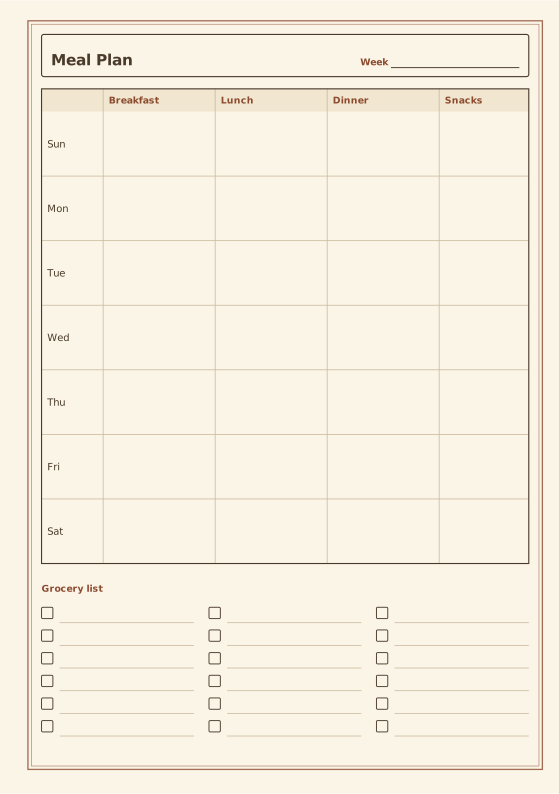
Meal Planner
Weekly meals with an optional grocery list.
-
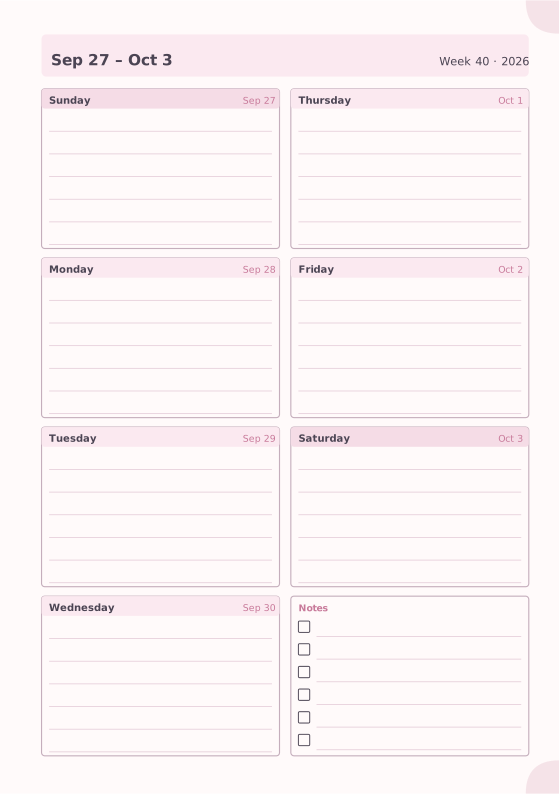
Weekly Planner
Seven days on one page with a notes box.














