Hobonichi
Printable pages for the Hobonichi Weeks
The Weeks is a slim, wallet-sized planner, and its pages are a size nothing else uses. Make your own: dated weeks for any year, the 3.7 mm grid Hobonichi fans know, habit trackers and lists, all cut to 95 × 188 mm and ready to tuck into the cover pocket or tape into the book.
- Page size
- 3.74 × 7.402 in95 × 188 mm
- How it prints
- Loose pages, trimmed to sizePrints on: A4, US Letter
- Holes
- None
Start from a preset
- Dated weekly pages, 13 weeks One week per page, rows layout, starting this week. Change the start date and count in the maker. Open in the maker →
- 3.7 mm grid pages The same fine grid as the Weeks memo pages, for notes, lists and trackers. Open in the maker →
- Monthly calendars, 12 months A month per page with a notes column, dated for the current year. Open in the maker →
- Habit tracker, 6 months Twelve habits across every day of the month, one page per month. Open in the maker →
The Weeks page size
| Book | Page size | Prints on | Pages per sheet |
|---|---|---|---|
| Hobonichi Weeks, Weeks Mega | 95 × 188 mm (3.7 × 7.4 in) | A4 or US Letter | 1, double-sided |
Weeks pages are tall and narrow, so one page fits comfortably on a portrait A4 or Letter sheet with room for the crop marks. Choosing the Hobonichi Weeks under Planner or binder in the maker sets this size, a small inner margin and double-sided loose-page printing in one step. Covers and clear jackets vary a little between years, so measure your own book once; if yours is tighter, enter a custom size a millimeter smaller.
How to print and fit the pages
- Open a preset above and add or swap pages. Dated weeks and months can start on any date and run for any number of weeks.
- Click Download PDF. Loose pages is already selected, with crop marks on, one page per sheet.
- Print double-sided, flip on the long edge, at 100% (Actual size). Check one sheet first: the front and back frames should line up when you hold it to the light.
- Cut along the crop marks with a craft knife and a metal ruler, or a small trimmer. Cut the long sides first, then the short ends.
- Slip the pages into the cover pocket, or fix them in the book with a thin strip of tape along the inner edge.
The maker’s weekly layouts, monthly calendars and trackers all print in your language, with your choice of week start, so a Weeks made this way can follow a school year or start mid-year without waste.
Free sample PDFs
Print at 100% (actual size). Made with the same engine as the maker, so the spacing is exact.
Frequently asked questions
What is the page size of the Hobonichi Weeks?
About 95 × 188 mm (3.7 × 7.4 in). The Weeks Mega has the same page size with more pages. Measure your book before printing: trimming a page 1 mm smaller than the book keeps it from poking out.
How do I get printed pages into a Weeks? It is a bound book.
Three common ways: slide loose pages into the clear cover's pocket, tape or glue them onto existing pages with a thin strip of washi or double-sided tape along the spine edge, or fold a page in half to make a flip-out. Printing double-sided keeps the pages usable both ways.
Can I print the Weeks week-on-one-page layout?
Choose the weekly template with the rows layout: the days run down the page, with the weekend at the bottom. Pair it with grid pages on the facing side, the way the original book does.
Which paper feels closest to Tomoe River?
Nothing a home printer takes is as thin. Smooth 60–70 g/m² copy paper is the closest in bulk; 80 g/m² is sturdier for pages you glue in. Test one sheet for ink bleed with your pens first.
Related guides
- Cutting and trimming your notebookUse crop marks to cut printed sheets and trim folded booklets cleanly, with a craft knife, a paper trimmer or a guillotine.
- Double-sided printing on a home printerPrint booklets double-sided on any home printer: automatic duplex settings, manual duplex step by step, the flip on long or short edge question, and a quick test sheet.
- Paper sizes chart: A4, A5, B5 and Letter in mm and inchesA4, A5, A6, B5, US Letter, Half Letter and Legal in millimetres and inches, how A4 compares with Letter, and which size suits a journal, planner or school notebook.
- How to make your own planner and print it at homeMake your own planner: choose the size and layout, pick your sections, count the pages, build it free in your browser, then print it double-sided and bind it.
Related templates
-
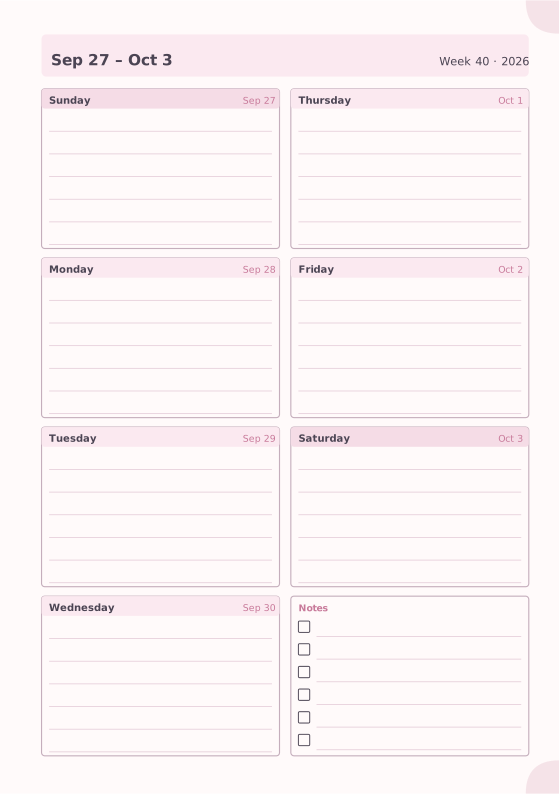
Weekly Planner
Seven days on one page with a notes box.
-
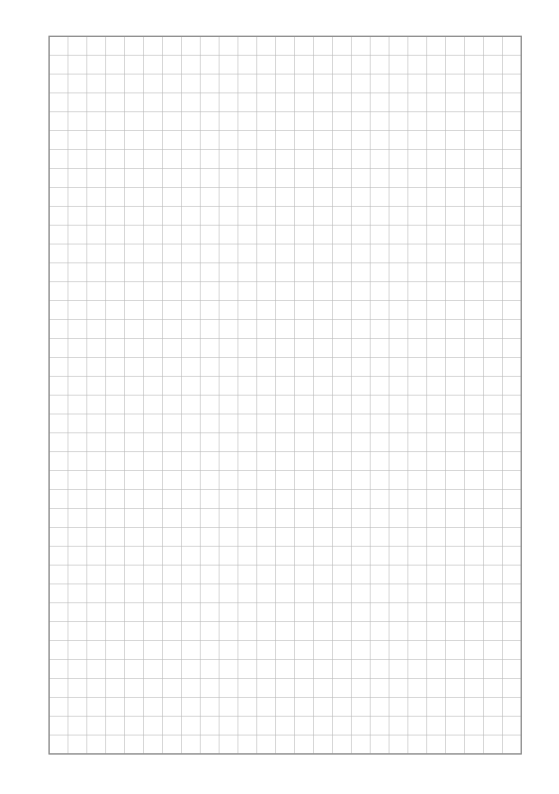
Square Grid
Quad-ruled squares for notes, math and diagrams.
-
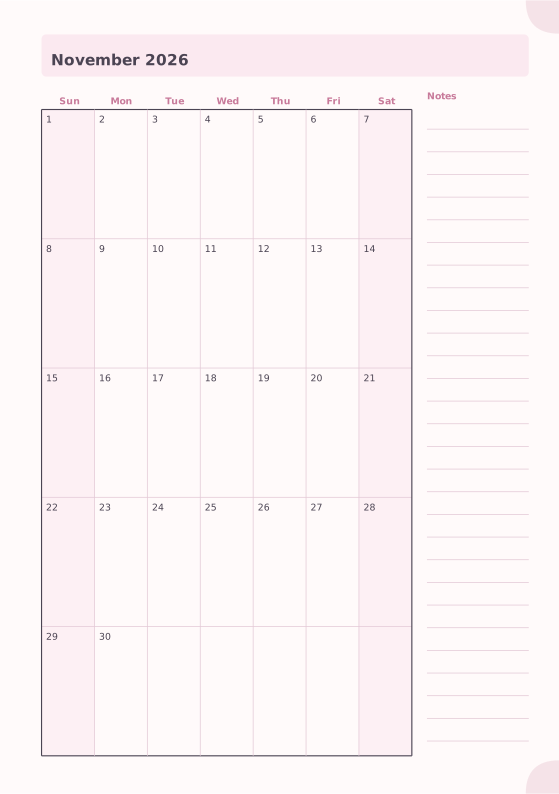
Monthly Planner
Full month calendar with a notes column.
-
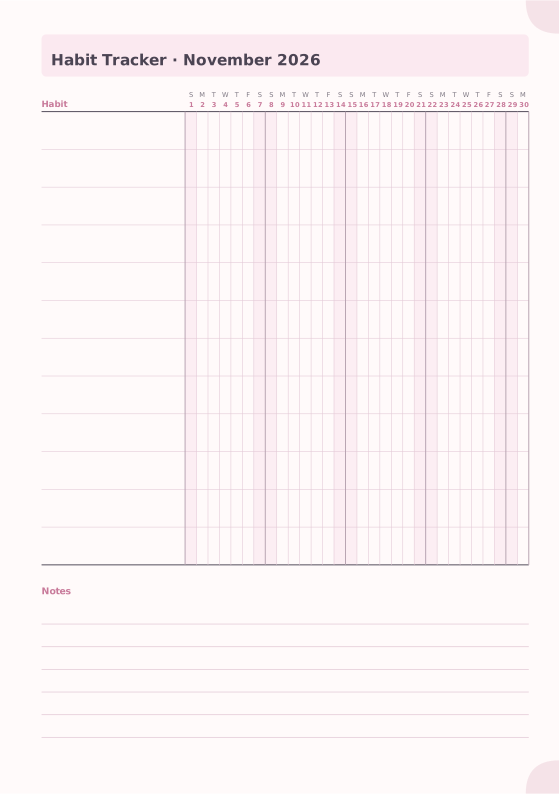
Habit Tracker
Monthly grid to track up to 20 habits.
-
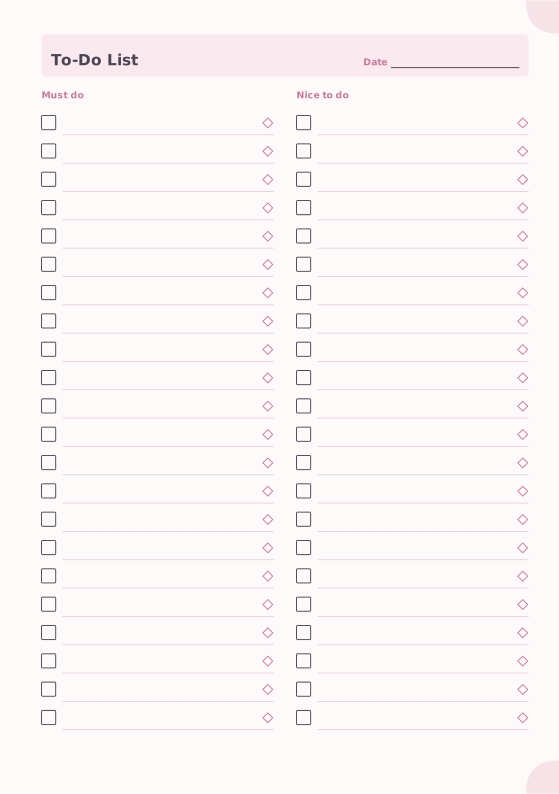
To-Do List
Must-do and nice-to-do checklists with priority marks.
-
Dot Grid
Evenly spaced dots for bullet journals and sketches.














