Square Grid
Cross-Stitch Graph Paper with Counting Lines
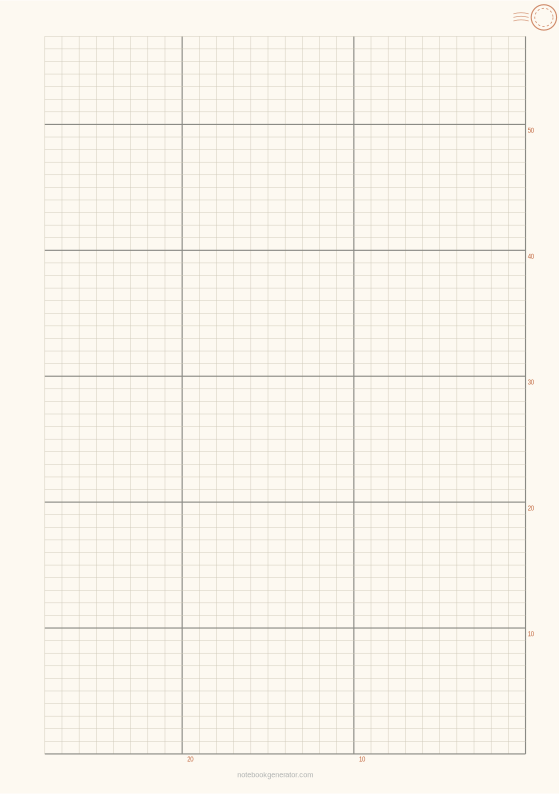
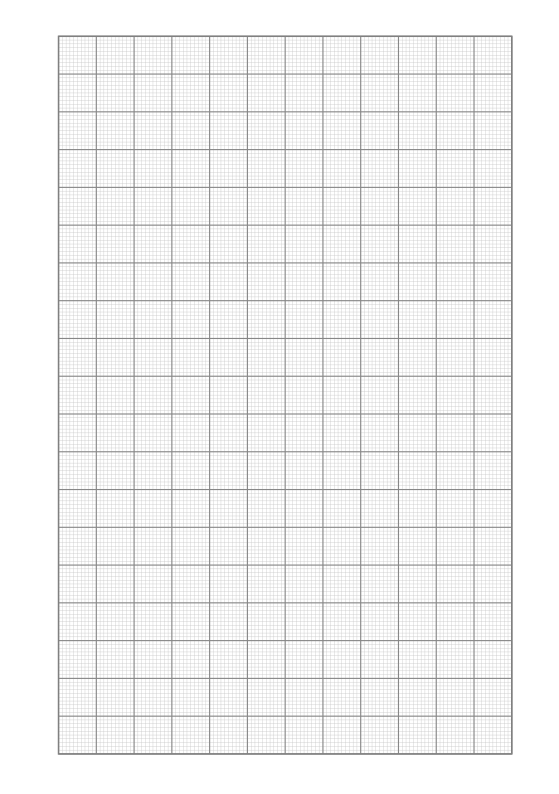
Square grid for charting cross-stitch, needlepoint and pixel patterns. Every 10th line is bold and the rows and columns are numbered along the edges, so you can count stitches without losing your place.
- Page size
- 8.5 × 11 in215.9 × 279.4 mm
Start from a preset
- Cross-stitch graph paper, 3 mm squares, 10 pages About 60 × 80 stitches per page, counted in tens. Open in the maker →
- Large squares, 5 mm, for coloring in patterns Easier to fill with pencils and symbols. Open in the maker →
- Fine squares, 2.5 mm, for big designs More stitches per page for samplers and large pieces. Open in the maker →
- Quilting grid, 1/4 in, bold every 4 squares Bold lines every inch for quilt block drafting. Open in the maker →
Printing cross-stitch graph paper
- Pick a preset to open it in the maker and set the number of pages.
- Download in Reading order and print at Actual size / 100%.
- Chart with colored pencils or symbols, then mark the center by counting to the middle bold lines.
Free sample PDFs
Print at 100% (actual size). Made with the same engine as the maker, so the spacing is exact.
- Cross-stitch graph paper, 3 mm (1 page) PDF ↓
Frequently asked questions
Does the square size have to match my Aida count?
No. The chart only needs one square per stitch; the finished size depends on the fabric. A 100-stitch-wide design is about 7.1 in on 14-count Aida and 5.6 in on 18-count.
Can I change how often the bold lines appear?
Yes. Set 'Bold line every … squares' in the maker: 10 is standard for counted cross-stitch, 4 gives one-inch blocks on a 1/4 in grid, 0 turns bold lines off.
How do I keep the numbers continuous across several pages?
Each page is numbered from its own corner. Write the page's offset (for example +60) in the margin when a design spans more than one sheet.
Related guides
- Calibrate your printer for exact sizesMeasure your printer once so pages print at exactly the right size, find its unprintable margins, and line up the front and back of each sheet.
- Paper sizes, margins and binding allowanceWhich printer paper fits which notebook size, how to set margins and the binding margin, and when to use bleed and creep.
- Choosing paper for printed notebooksPaper weight, finish, size and grain for homemade notebooks and planners: what works with fountain pens, markers and pencil, and what folds well.