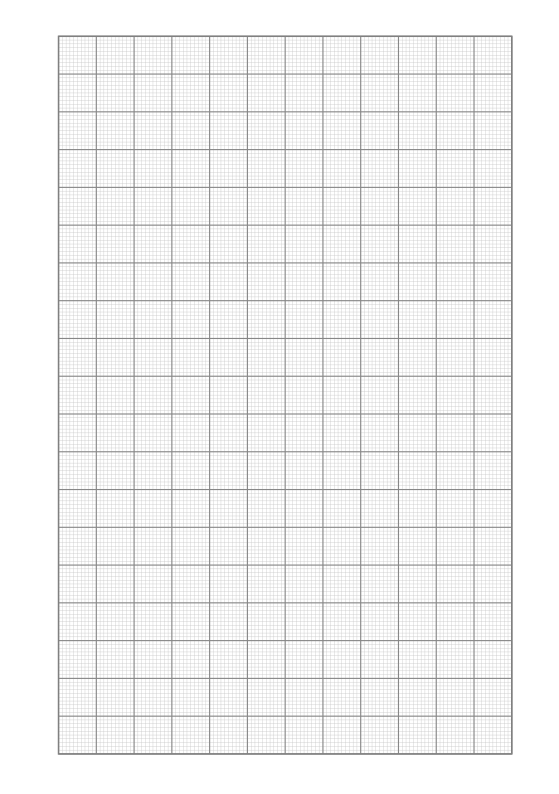
Square Grid
A5 Grid Paper, 5 mm
A5 pages (148 × 210 mm) with 5 mm squares, for math, sketches, lists and tables in a notebook that fits a bag. Print loose sheets or a stapled grid notebook from A4 paper.
- Page size
- 5.827 × 8.268 in148 × 210 mm
- Paper for 48 pages
- 12 × A4, double-sided
Start from a preset
- A5 grid notebook, 5 mm, 48 pages 12 sheets of A4, about the limit for a regular stapler. Open in the maker →
- A5 grid booklet, 5 mm, 32 pages 8 sheets of A4. Open in the maker →
- A5 grid, 4 mm, no border A finer grid running to the margins. Open in the maker →
Make an A5 grid notebook from A4
- Open a preset above and set the page count (a multiple of 4).
- Click Download PDF and keep Print-ready booklet.
- Print on A4, double-sided, Flip on short edge, at 100% / Actual size.
- Fold the stack in half and staple twice on the fold.
Free sample PDFs
Print at 100% (actual size). Made with the same engine as the maker, so the spacing is exact.
Frequently asked questions
How many A4 sheets does a 48-page A5 grid notebook need?
12. One A4 sheet holds 4 A5 pages, 2 on each side: 16 pages take 4 sheets, 32 take 8, 48 take 12.
How do I keep the squares exactly 5 mm?
Print at 100% / Actual size, not Fit to page. If they are still off, run the printer calibration once.
Can I print A5 grid paper as loose pages?
Yes. Choose "Reading order" or "Single pages" in the download dialog to get one A5 page per PDF page.
Related guides
- Calibrate your printer for exact sizesMeasure your printer once so pages print at exactly the right size, find its unprintable margins, and line up the front and back of each sheet.
- How to staple a booklet in the middleFold and staple a booklet through the centre with a long-reach or normal stapler. Follow the sheet-order, backing and staple-closing steps.
- How to print an A5 booklet on A4 paperTurn ordinary A4 paper into an A5 notebook: set the page size, count the sheets, print double-sided at 100%, then fold and staple or sew.