Disc-bound planners
Printable inserts for the Mini Happy Planner
Mini Happy Planner pages are 4.625 × 7 inches on seven discs. Print two to a Letter sheet, dated for any year, with the slot positions marked, and punch them in with your disc punch.
- Page size
- 4.625 × 7 in117.5 × 177.8 mm
- How it prints
- Loose pages, punched for discsPrints on: US Letter, A4
- Holes
- 7 marked7 discs, Mini (1 in apart)
Start from a preset
- Weekly layout, 26 weeks Week on one page in rows, dated from this week. Open in the maker →
- Monthly calendars, 12 months A compact month per page. Open in the maker →
- To-do and shopping lists Checkbox lists sized for a bag. Open in the maker →
- Dot grid pages, 5 mm Plain dot grid for notes and stickers. Open in the maker →
Mini size and discs
| Planner | Page size | Discs | Prints on |
|---|---|---|---|
| Happy Planner Mini | 4.625 × 7 in (117.5 × 177.8 mm) | 7 slots, 1 in apart | Letter or A4, two per sheet |
Choose Happy Planner Mini under Planner or binder in the maker to set the page size, a 13 mm binding margin, double-sided printing and the seven-slot guide.
Printing, trimming and punching
- Open a preset and add pages.
- Download PDF → Loose pages, two pages per sheet.
- Print double-sided, flip on the long edge, at 100%.
- Cut the sheet apart, then trim each page along its crop marks.
- Punch the slots where the circles and stems are marked and snap the pages onto the discs.
Free sample PDFs
Print at 100% (actual size). Made with the same engine as the maker, so the spacing is exact.
- Mini weekly layout, January 2027, two per Letter sheetSeven disc-slot marks on each page. PDF ↓
Frequently asked questions
What size are Mini Happy Planner pages?
4.625 × 7 in (117.5 × 177.8 mm) with seven slots 1 inch apart, 0.5 in from the top and bottom. The Skinny Mini is a different, narrower size; use a custom width of 3.5 in for it with the same seven-slot guide.
How many pages per sheet?
Two per Letter or A4 sheet, side by side, with crop marks between them. Cut the sheet in half, then trim each page.
Does the PDF cut the disc slots?
No. Each slot is marked with a circle and a short stem toward the edge. Line your disc punch up with the first and last marks and punch through.
Related guides
- Cutting and trimming your notebookUse crop marks to cut printed sheets and trim folded booklets cleanly, with a craft knife, a paper trimmer or a guillotine.
- Double-sided printing on a home printerPrint booklets double-sided on any home printer: automatic duplex settings, manual duplex step by step, the flip on long or short edge question, and a quick test sheet.
- Paper sizes chart: A4, A5, B5 and Letter in mm and inchesA4, A5, A6, B5, US Letter, Half Letter and Legal in millimetres and inches, how A4 compares with Letter, and which size suits a journal, planner or school notebook.
Related templates
-
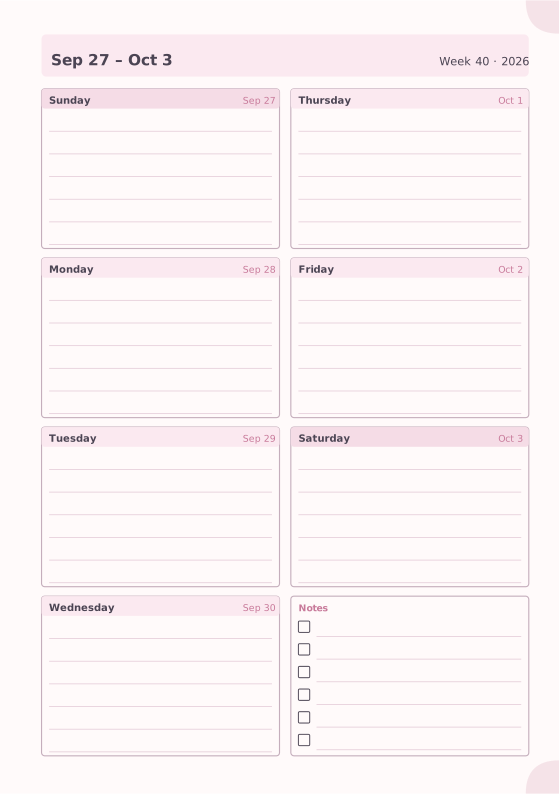
Weekly Planner
Seven days on one page with a notes box.
-
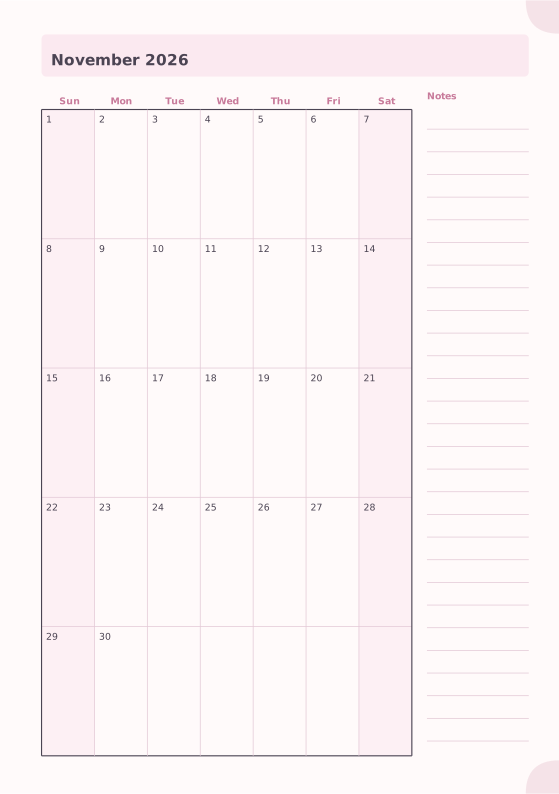
Monthly Planner
Full month calendar with a notes column.
-
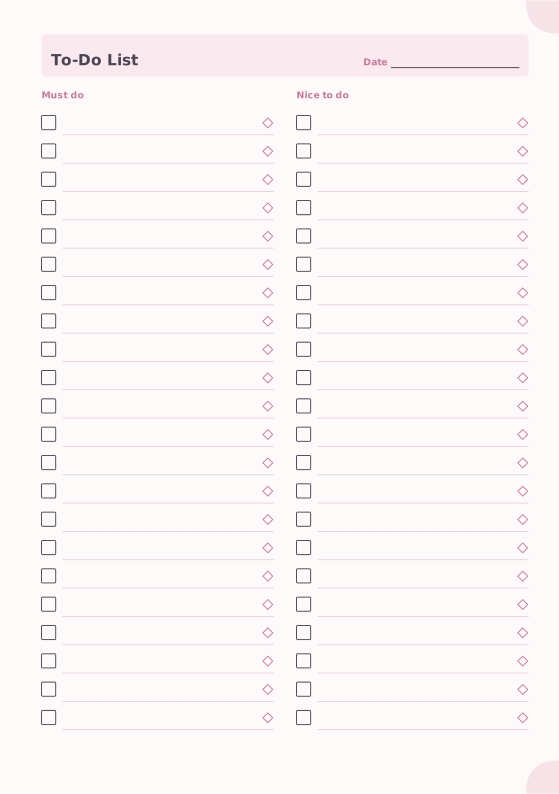
To-Do List
Must-do and nice-to-do checklists with priority marks.
-

Dot Grid
Evenly spaced dots for bullet journals and sketches.
-
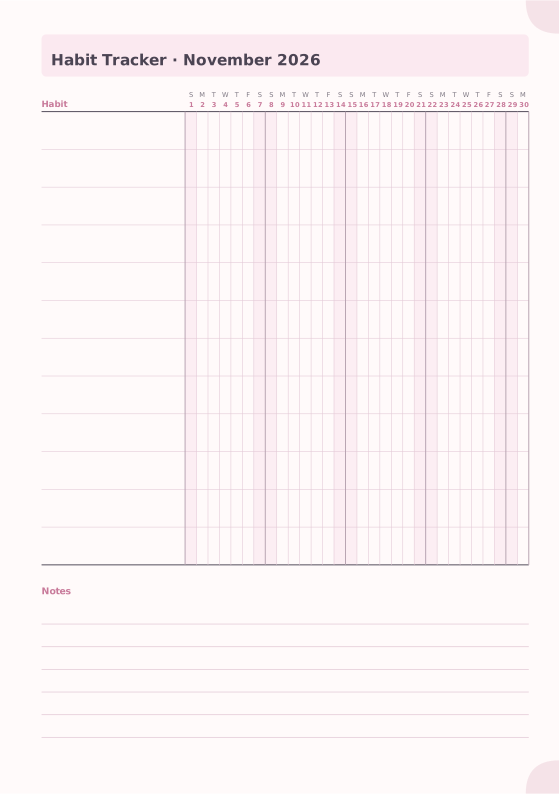
Habit Tracker
Monthly grid to track up to 20 habits.
-
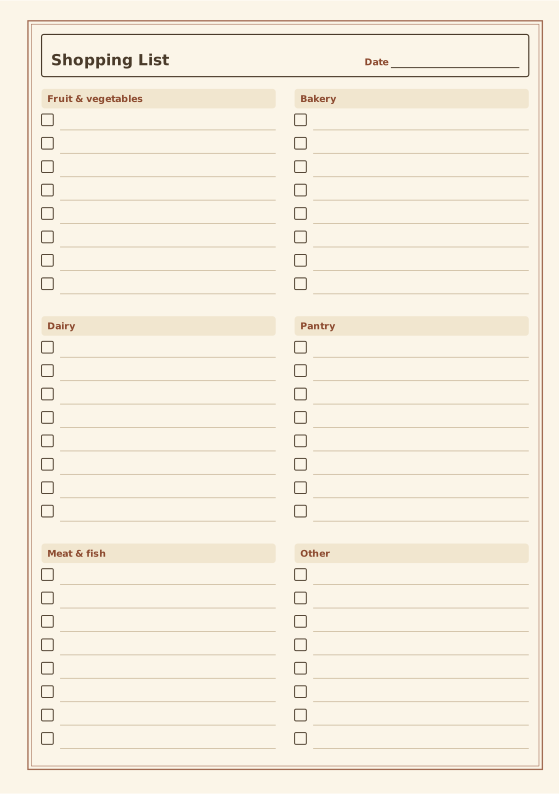
Shopping List
Grocery list grouped by store section.
-
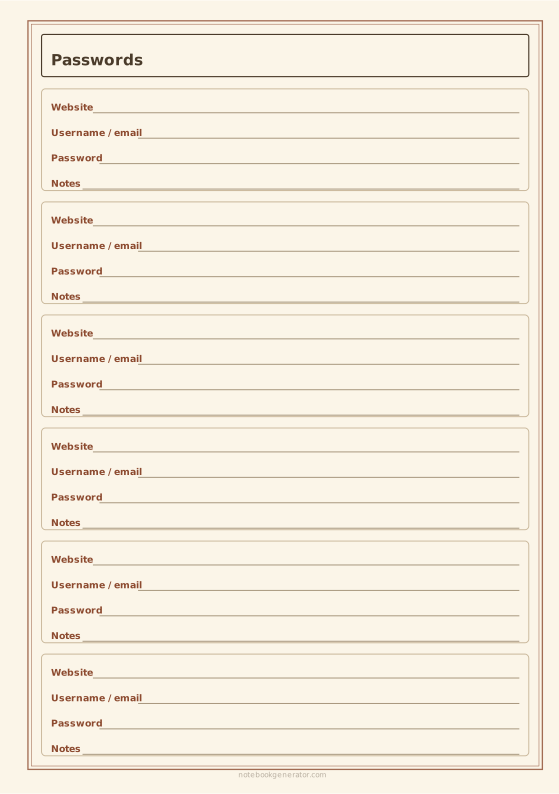
Password Log
Framed entries for website, username, password and notes.














