5 min read
Hobonichi printable pages: Weeks, Original and Cousin
Print pages for a Hobonichi Techo: Weeks, Original (A6) and Cousin (A5) sizes, the 3.7 mm grid, double-sided printing, and how to tuck, tape or glue pages into the book.
On this page
A Hobonichi Techo is a sewn book, so you cannot clip pages into it. What Hobonichi users print are pages at the exact book size that tuck into the cover pocket, tape or glue onto an existing page, or fold out: trackers, extra weekly pages, a grid for a month that filled up, or a dated section for a Day-Free. This guide gives the three page sizes, the grid, and the ways to attach a printed page.
Page sizes
| Book | Page size | Prints on | Per sheet |
|---|---|---|---|
| Weeks, Weeks Mega | 95 × 188 mm (3.7 × 7.4 in) | A4 or Letter | 1 |
| Original, Planner, Day-Free, HON A6 | A6, 105 × 148 mm | A4 or Letter landscape, or A5 | 2 or 1 |
| Cousin, Cousin Avec, HON A5 | A5, 148 × 210 mm | A4 or Letter, or A3 | 1 or 2 |
In the maker, choose Hobonichi Weeks, Original (A6) or Cousin (A5) under Planner or binder. The size, a slim inner margin and double-sided loose-page printing are set in one step. Covers and clear jackets differ slightly between years, so measure your book and trim 1 mm smaller if you want tucked pages to sit inside the edge.
The 3.7 mm grid
Hobonichi pages use a 3.7 mm grid. The square grid template takes any spacing, so set it to 3.7 mm and your printed pages match the book. For dot pages, the dot grid at 3.7 mm works the same way.
Layouts that match the books
- Weeks: the weekly planner in the rows layout puts the days down the page, weekend at the bottom, like the Weeks week-on-one-page. Pair it with grid pages.
- Cousin: the weekly calendar in the schedule layout mirrors the Cousin’s weekly timeline, hours down the side and seven day columns. Set the hours and week start to match yours.
- Original and Day-Free: the daily page gives one dated page per day with a timeline and tasks; a Day-Free owner can add dated weeks or months only where needed.
- Any book: habit trackers, meal plans, budget pages, reading logs, all at the book size.
Printing
- Download PDF → Single pages, with crop marks. On A4 or Letter, A6 pages go two per sheet; Weeks and A5 pages one per sheet.
- Print double-sided, flip on the long edge, at 100% (Actual size).
- Trim along the crop marks. Cut the long sides first, then the short ends, with a craft knife and metal ruler or a small trimmer.
Tomoe River paper is thinner than anything a home printer handles reliably; 70–80 g/m² smooth copy paper is the practical choice, and a 60–70 g/m² sheet is closest in bulk for pages you want to keep thin.
Getting the pages into the book
- Cover pocket: the back pocket of a Hobonichi cover holds a few loose pages, the simplest option for trackers you check daily.
- Tape-in: a narrow strip of washi or double-sided tape along the inner edge of the printed page sticks it onto a page in the book. Washi peels off later; double-sided tape is permanent.
- Glue-in: a thin line of glue stick along the inner edge for a page that stays.
- Fold-out: print the page one size wider (a Weeks page at 190 mm wide, for example), fold it in half, and tape the folded edge in so the page flips out.
- Separate booklet: export the same pages as a Print-ready booklet instead, fold and sew it, and keep it in the cover pocket as a memo book.
Printing double-sided keeps the pages usable whichever way you fix them.
Featured templates
Start from a template, then change line spacing, dates, colors and layout options.
-
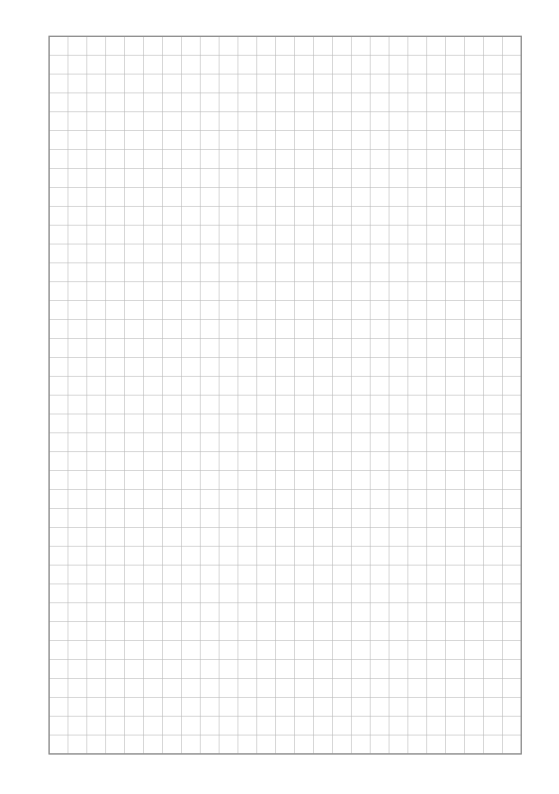
Square Grid
Quad-ruled squares for notes, math and diagrams.
-
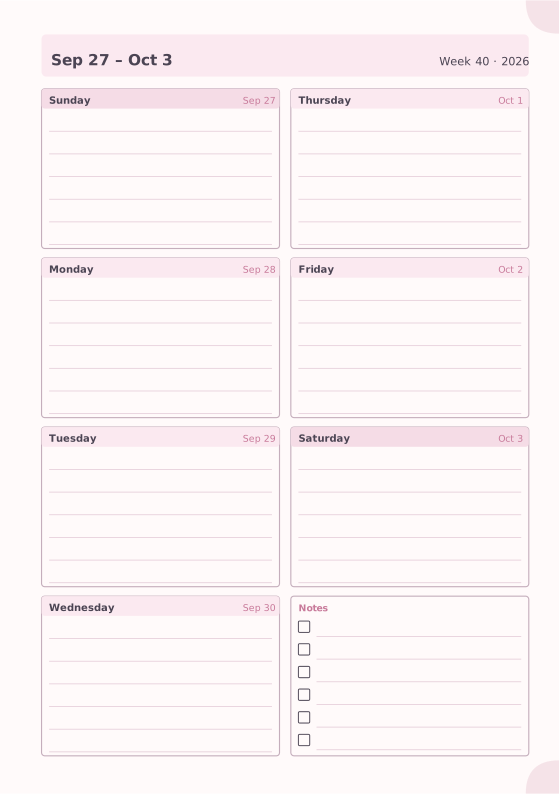
Weekly Planner
Seven days on one page with a notes box.
-
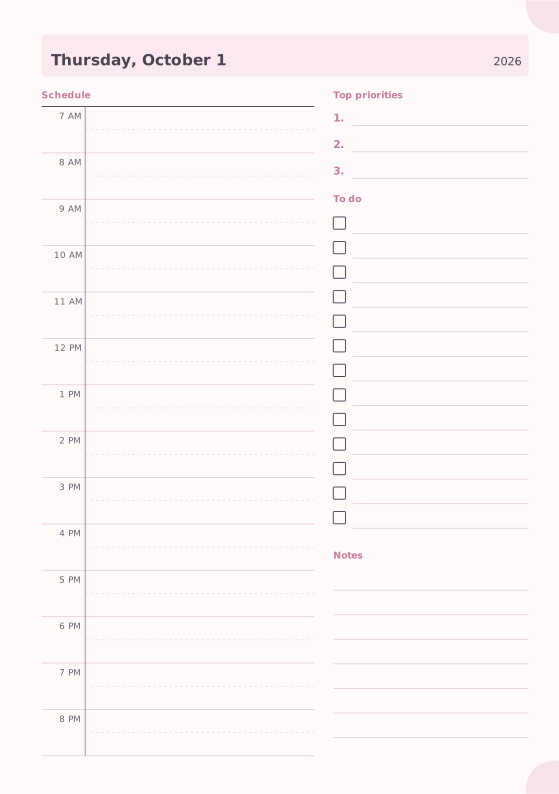
Daily Planner
Hourly schedule, top priorities, to-do list and notes.
-
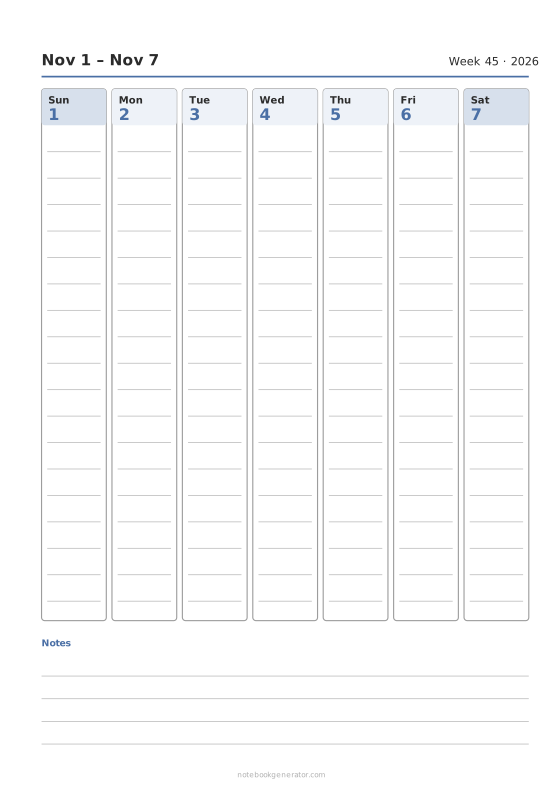
Weekly Calendar
A dated week on one page: day columns, day rows or an hourly schedule.
-
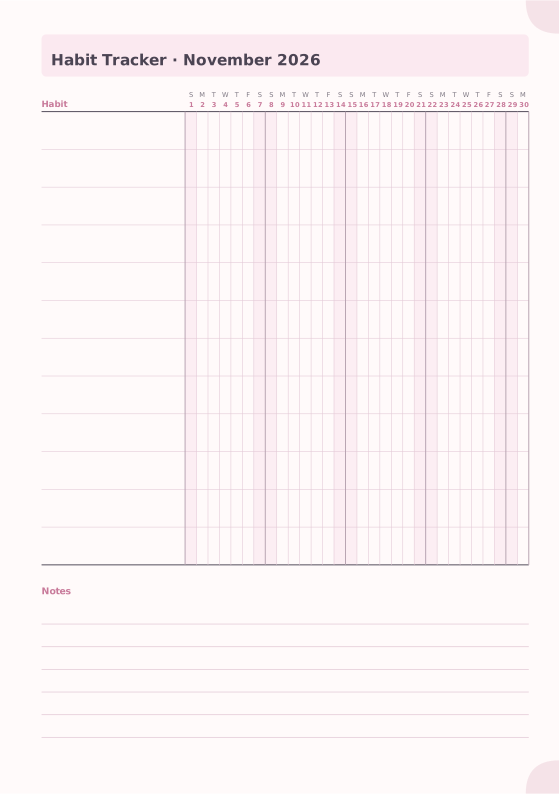
Habit Tracker
Monthly grid to track up to 20 habits.














