6 min read
Filofax inserts printable: A5, Personal and Pocket six-ring refills
Print your own Filofax and six-ring planner inserts: A5, Personal and Pocket sizes, hole spacing, binding margins, which punch to use and how to print double-sided.
On this page
Six-ring planner inserts (Filofax, Kikki.K, Louis Vuitton, Van der Spek, Gillio and most other personal organisers) come in three common sizes with the same hole pattern: two groups of three holes, 19 mm apart, on the binding edge. Print the pages at the right size with a wide enough inner margin, mark the six holes, and the only tool you need is a punch. This guide gives the sizes, the hole spacing and the print settings.
Sizes and holes
| Size | Page | Holes | Punch |
|---|---|---|---|
| A5 | 148 × 210 mm (5.8 × 8.3 in) | 19-19-70-19-19 mm, about 6 mm from the edge | A5 six-hole punch, or single-hole |
| Personal | 95 × 171 mm (3.74 × 6.73 in) | 19-19-51-19-19 mm | Personal six-hole punch, or single-hole |
| Personal Wide | 121 × 171 mm | Same as Personal | Same |
| 81 × 120 mm (3.2 × 4.7 in) | Six holes 19 mm apart | Pocket punch, or single-hole | |
| Mini | 67 × 105 mm | Five holes 19 mm apart | Single-hole |
The holes are centred on the page height. On an A5 page the first hole centre is 32 mm from the top; on Personal it is 22 mm. In the maker, choosing A5, Personal or Pocket six-ring binder under Planner or binder sets the page size, the inner margin and the hole guide; for Personal Wide, choose Personal and change the width to 121 mm.
Binding margin
Rings need room. The presets use a 16 mm inner margin on A5, 15 mm on Personal and 14 mm on Pocket, which clears 23–30 mm rings and keeps writing out from under them. If your binder has slim 15 mm rings, reduce the margin under Margins in the maker; the hole guides stay in place because they are measured from the page edge, not the margin.
Which pages to print
- Weekly pages: on A5, the weekly planner with day columns; on Personal and Pocket, the rows layout fits the narrow page.
- Monthly calendars with a notes column on A5, without on Pocket.
- Dot grid and lined refills: 5 mm dots on A5, 4 mm on Personal and Pocket.
- Lists and logs: to-do lists, passwords, expenses.
Every dated template takes any start date and week start, so a Personal insert can run from any week.
Printing double-sided
- Download PDF → Single pages (the system preset selects it), one page per A4 or Letter sheet, with crop marks and punch guides on.
- Print double-sided, flip on the long edge, at 100% (Actual size). The back of each sheet mirrors the binding margin and the hole guides, so left and right pages come out correctly.
- Trim along the crop marks. An A5 page on A4 leaves 31 mm each side and 43 mm top and bottom; a guillotine trimmer does ten sheets at once.
- Punch through the six circles. With a single-hole punch, work from the first circle to the last; with a six-hole planner punch, line up the first and last circles with its guides.
Print one sheet first, trim it and clip it into the binder before printing a stack: if the holes sit 1 mm off, measure your existing pages and adjust the page height in Page size so that the centred pattern lands where your rings are.
Paper
Standard 80 g/m² copy paper suits ring binders, which hold loose pages flat. For pages you flip often, 90–100 g/m² lasts longer at the holes. Reinforce holes on heavily used tabs with clear tape before punching.
Featured templates
Start from a template, then change line spacing, dates, colors and layout options.
-
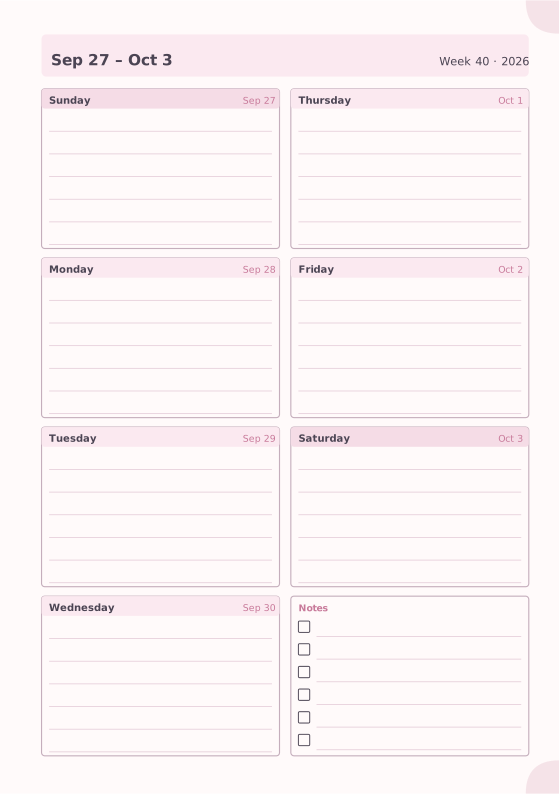
Weekly Planner
Seven days on one page with a notes box.
-
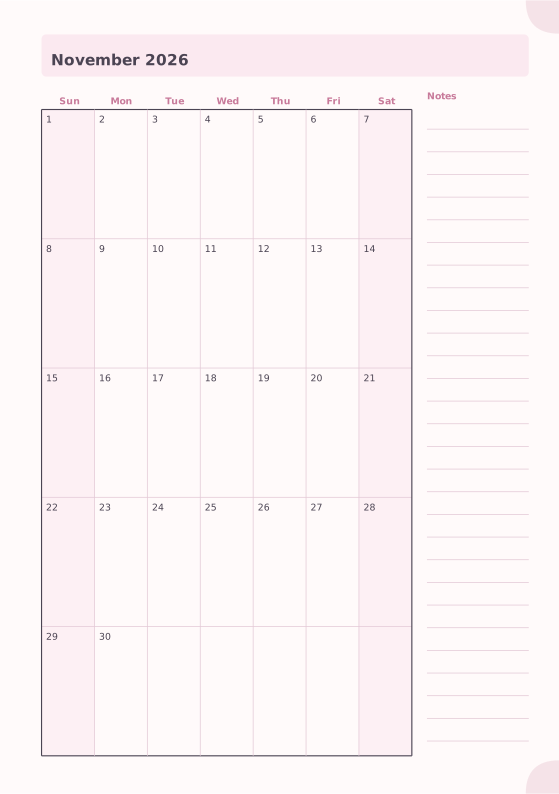
Monthly Planner
Full month calendar with a notes column.
-
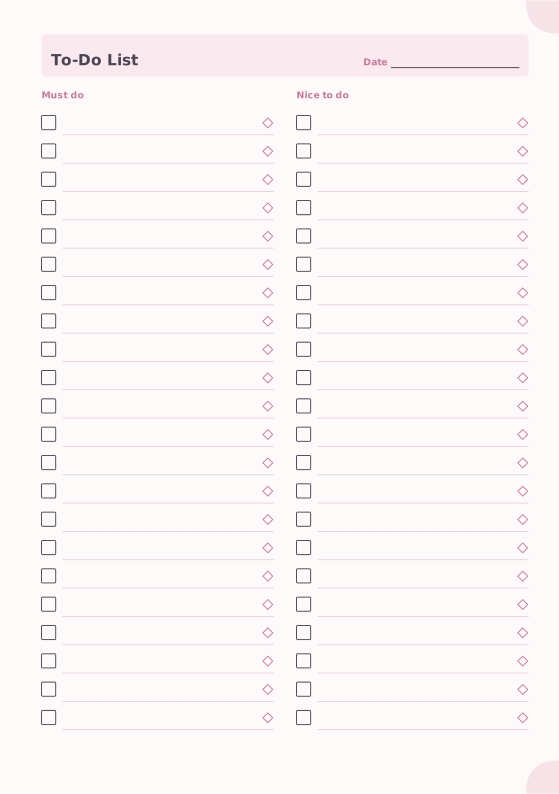
To-Do List
Must-do and nice-to-do checklists with priority marks.
-

Dot Grid
Evenly spaced dots for bullet journals and sketches.
-
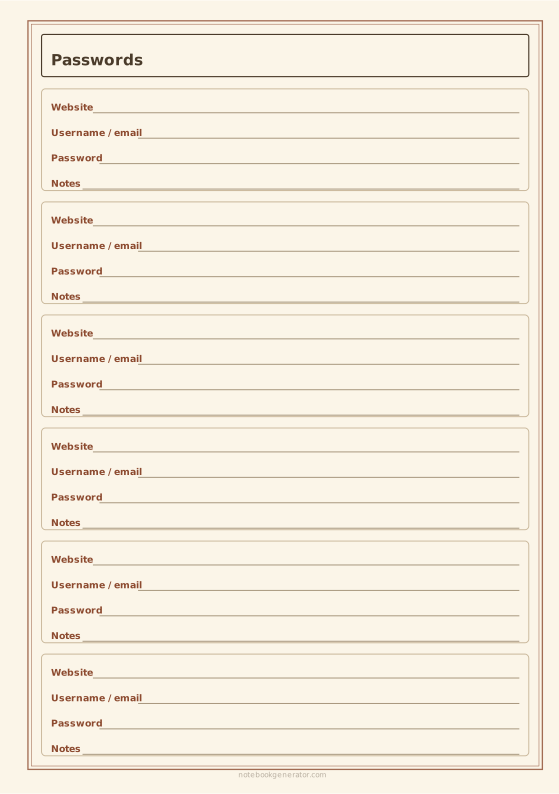
Password Log
Framed entries for website, username, password and notes.














